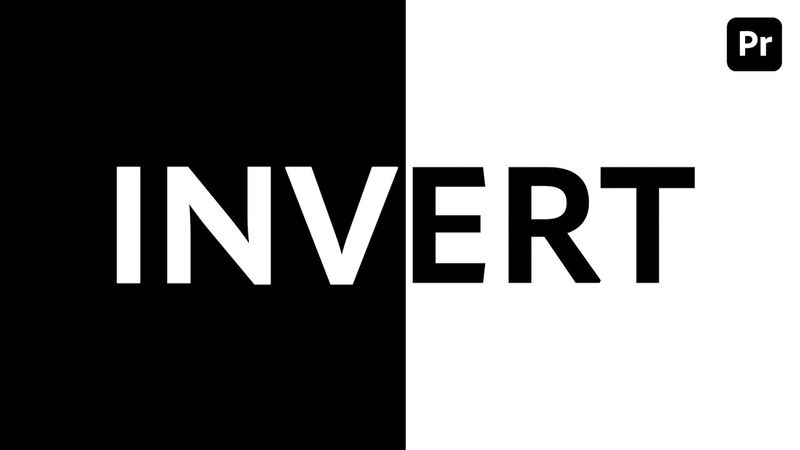
Create an Easy Text & Background Invert Effect Premiere Pro Tutorial

Download information and video details for Create an Easy Text & Background Invert Effect Premiere Pro Tutorial
Uploader:
Aquastar CreativePublished at:
8/23/2025Views:
11Description:
In this tutorial, I’ll show you how to create a simple yet eye-catching Text & Background Invert Effect in Adobe Premiere Pro. The effect is made using a color matte with text on its own layer. By using the Control/Command + K shortcut, we can cut through the layers and delete unneeded segments. Then, by holding Option/Alt and dragging, we duplicate the layers, apply the Invert effect, and copy/paste them to create a blinking invert animation. This technique is quick to set up, adds a cinematic feel to your edits, and works great for trailers, intros, or music videos. For more creative tutorials, visit: #premierepro #adobepremiere #premiereprotutorial #videoediting #invert #texteffect #videotips #editingtricks #motiongraphics #aquastarcreative
Similar videos: Create an Easy Text

Creating 3D Screen and Text Highlight Effects in Filmora 14
MIND-BLOWING Motion Graphics Secrets Revealed - Premiere Pro Tutorial

4 Text Animation Tricks in Premiere Pro EVERY Editor Should Know
How to make a PROGRESS BAR in Premiere Pro (Part 1 )
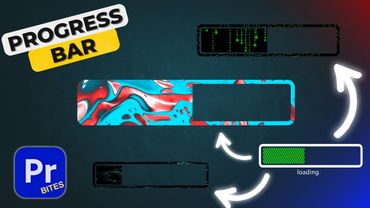
How to make a PROGRESS BAR in Premiere Pro ( Part 2)