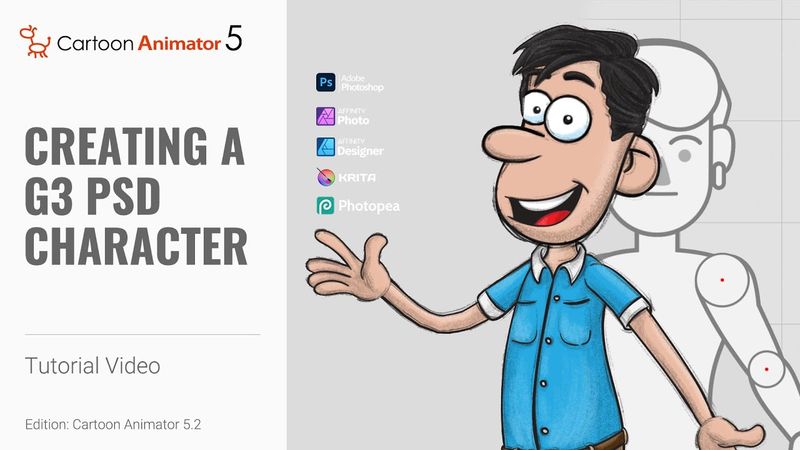
Creating a G3 PSD Character in Photoshop | Cartoon Animator 5 Tutorial

Download information and video details for Creating a G3 PSD Character in Photoshop | Cartoon Animator 5 Tutorial
Uploader:
ReallusionPublished at:
4/18/2024Views:
31.1KDescription:
The PSD character template for Cartoon Animator provides you with a easy and flexible way to generate and import your own custom characters for use with any of Cartoon Animator’s many motion tools and motion libraries. This tutorial provides you with a brief overview of the updated PSD group structure and how to quickly assemble a basic character. 00:40 Character Assembly in Photoshop 01:21 Body Image Replacement 02:11 Hand Sprite Replacement 03:18 Face Sprite Replacement 04:17 Eye & Mouth Sprite Replacement 06:18 Defining Bone Structure 08:24 Import to Cartoon Animator Cartoon Animator 4, 360 Head Tutorial : PSD Resource : *Note: Assets shown in this tutorial serve only as reference material. ✦LEARN MORE Reallusion Products [ Cartoon Animator ] 2D animation for cartoon and video maker: ✦WATCH MORE: Learn how Cartoon Animator can animate any image or photo: ✦FOLLOW US! Facebook: LinkedIn: Twitter: Instagram: Blog: Forum: ✦ONLINE HELP Cartoon Animator : #CartoonAnimator #CharacterDesign #Photoshop
Similar videos: Creating a G

Creating a G3 SVG Character in Illustrator | Cartoon Animator 5 Tutorial
Rigid Body Physics for Beginners (Blender Tutorial)
Create AMAZING VOX Animations In After Effects
Viral Caption Animation Tutorial in Premiere Pro | Instagram Reels 2026

Vox Map Collage Animation | 3D Camera Movement (After Effects Tutorial)
!["ANGRY ALEX" 🎵 [VERSION B] Minecraft Animation Music Video](https://videodownloadbot.com/images/video/6ad/giwepj61reimdpbkbrfd948suwfw3odl_medium.jpeg)