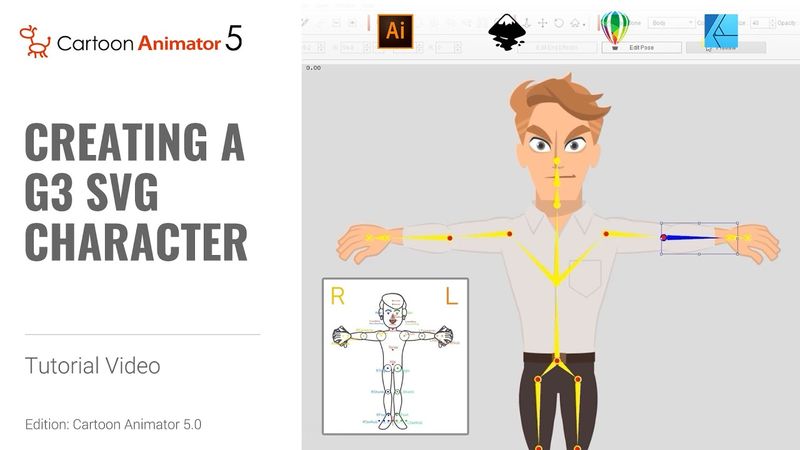
Creating a G3 SVG Character in Illustrator | Cartoon Animator 5 Tutorial

Download information and video details for Creating a G3 SVG Character in Illustrator | Cartoon Animator 5 Tutorial
Uploader:
ReallusionPublished at:
3/31/2023Views:
46.1KDescription:
With SVG file compatibility, you can now create and customize your own vector-based characters in Cartoon Animator 5! This tutorial will briefly guide you through the sprite replacement and character assembly steps using Adobe Illustrator to end up with a fully-functional character that can utilize all of Cartoon Animator’s face and body animation tools. 00:00 Intro 00:09 Vector Resources 01:14 Body Image Replacement 04:30 Facial Image Replacement 06:03 Body & Facial Bone Settings 09:30 360 Head Tips *Note: Assets shown in this tutorial serve only as reference material. ✦LEARN MORE Reallusion Products [ Cartoon Animator ] 2D animation for cartoon and video maker: ✦WATCH MORE: Learn how Cartoon Animator can animate any image, or photo: ✦FOLLOW US! Facebook: LinkedIn: Twitter: Instagram: Blog: Forum: ✦ONLINE HELP Cartoon Animator : #CartoonAnimator #2DAnimation #CharacterDesign
Similar videos: Creating a G

Creating a G3 PSD Character in Photoshop | Cartoon Animator 5 Tutorial
Rigid Body Physics for Beginners (Blender Tutorial)
Create AMAZING VOX Animations In After Effects
Insanely Detailed CG Art ft. Byungwhee Kim | Pixel Peeps | Episode 18
Vox Map Collage Animation | 3D Camera Movement (After Effects Tutorial)