Edit PRO Youtube Videos in DaVinci Resolve | In Depth Tutorial
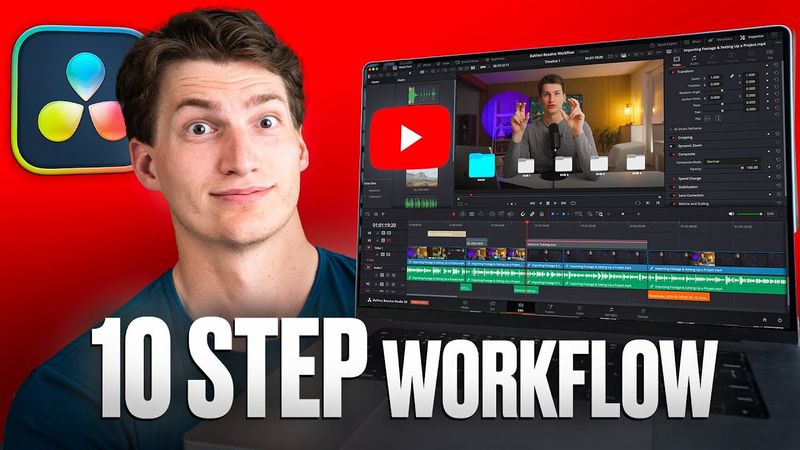
Download information and video details for Edit PRO Youtube Videos in DaVinci Resolve | In Depth Tutorial
Uploader:
Content CreatorsPublished at:
6/27/2025Views:
30.1KDescription:
Learn how to SHOOT & EDIT pro videos In just 14 Days 🎥 Download our FREE youtube editing template starter pack: Download the sample LOG footage: Join Content Creator Templates: Davinci Marketplace Extension Download: ALL OF OUR RECOMMENDED GEAR: Learn how to create, launch & scale 6-7 figure online courses in just 30 days: Follow Our Team on Instagram 👇🏻 Anthony Gallo: Content Creator Team: Paul Xavier: Chapters: 1:44 STEP 1: Import & Organize Content 2:36 STEP 2: Laying the Foundation 3:10 STEP 3: Color Correction 3:51 How to Color Correct in DaVinci Resolve 4:45 How to Import + Add a LUT 10:07 STEP 4: Adjusting Sound 11:29 Manually Adjust Audio Levels 11:40 How to Normalize Audio Levels (Auto Adjustment) 12:30 AI Audio Tool: Voice Isolation (Removes Background Noise) 13:11 STEP 5: Cut the Fluff 13:40 3 Keyboard Shortcuts to Speed Up Editing 16:09 STEP 6: Adding B-Roll 17:34 How to Add B-Roll to Your Timeline 18:11 How to Set In & Out Points for B-Roll 22:02 STEP 8: Adding Transitions 23:19 How to Make Your Transitions Look More Professional 25:59 STEP 7: Adding Graphics 26:10 How to Add Custom Text 32:13 How to Add a Background & Title Card 35:45 How to Make a Compound Clip 39:42 STEP 9: Adding Sound Effects 44:18 How to Add Music to Your Video 46:36 Step 10: How to Export Your Video
Similar videos: Edit PRO Youtube Videos in DaVinci Resolve
In Depth DaVinci Resolve Video Editing Tutorial - Mac & PC 2025
Watch BEFORE buying a light for video & filmmaking
Retopology for Beginners (Blender Tutorial)
HOW TO DRAW - Shading Light & Shadow
This Editing Mistake Is Killing Your Growth