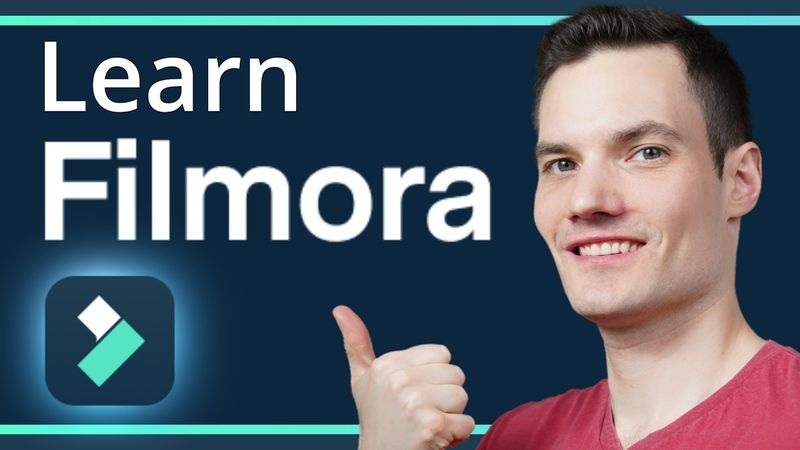
Filmora Video Editor Tutorial

Download information and video details for Filmora Video Editor Tutorial
Uploader:
Kevin StratvertPublished at:
6/23/2024Views:
167.5KDescription:
In this step‑by‑step Filmora 13 Video Editor Tutorial, you learn how to create stunning videos effortlessly even if you're a beginner. Filmora is an easy‑to‑use video editing software with powerful functions. Everyone can start with Filmora easily and quickly even with zero editing skills. We walk through importing media, adding titles, graphics, transitions, and utilizing Filmora's new AI editing capabilities to make a short for the Kevin Cookie Company. Whether you're editing for YouTube, TikTok, or Instagram, this tutorial covers everything from basic timeline editing to advanced features like smart cutout and AI‑generated music. Download Filmora and follow along with the provided sample footage to start creating amazing videos today. 00:00 - Introduction 01:11 - Download and Install Filmora 13 01:41 - Explore the Start Screen 02:21 - Set Aspect Ratio for Vertical Videos 02:51 - Import Media 05:18 - Preview clips 06:05 - Configure shortcut keys 06:39 - Change player quality 06:56 - Add media to timeline 09:11 - Working with the play head 10:09 - Adjust timeline zoom 11:11 - Trim clips 12:58 - Ripple edits 13:59 - Trim clips with shortcuts 14:58 - Trim clips with Smart Edit AI 17:40 - Set clip in and out points in player 20:23 - Cut clips 22:42 - Adjust clip properties 24:58 - Set keyframes 27:25 - Cutout background with AI 30:58 - Record and add voiceover 31:26 - Use AI for voice narration 32:36 - Align clips with voiceover 34:05 - Preview project 34:43 - Add AI music 36:45 - Adjust audio levels 38:11 - Add text & titles 40:19 - Apply transitions 41:12 - Use video effects 42:19 - Add stickers 43:21 - Generate captions with AI 45:38 - Export the final video 46:56 - Final Preview 47:35 - Wrap up
Similar videos: Filmora Video Editor Tutorial
These 10 Premiere Pro Effects Will Level Up Your Edits
Premiere Pro 2025 Just Got Way Cooler!

Premiere Pro Reels Editing Breakdown 🔥 Learn Viral Animation + Captions + Effects in 1 Hour!
From Raw to Viral Reels in 30 Minutes | Premiere Pro Tutorial for Beginners
Effective NeoVim Setup for Full-Stack Web Development in 2024