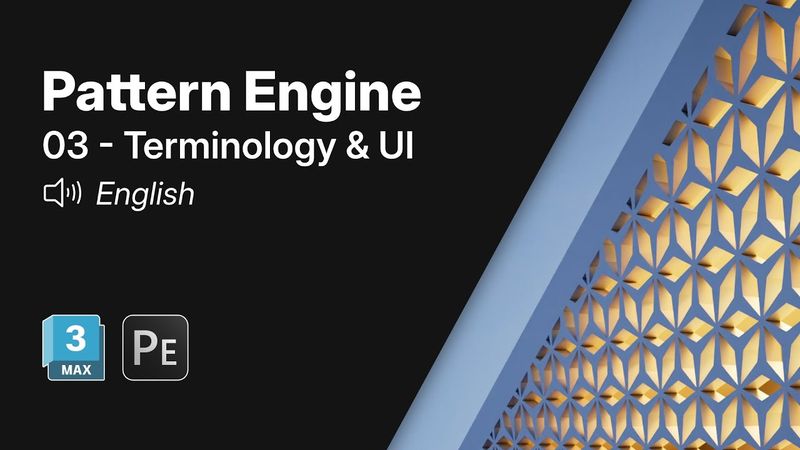
Getting Started with Pattern Engine for 3ds Max | 03 – Terminology & UI

Download information and video details for Getting Started with Pattern Engine for 3ds Max | 03 – Terminology & UI
Uploader:
Pivot StudioPublished at:
7/29/2025Views:
277Description:
In this video, we've talked about some important terms we'll be using in Pattern Engine. We'll also provide an overview of the user interface. Pattern Engine is a powerful scripted tool for Autodesk 3ds Max that helps you generate and edit a wide range of 3D geometries. Whether you're creating parametric patterns, 3D tiles, partitions, shelving units, wall art, or upholstery, Pattern Engine speeds up the process and simplifies complex design tasks. Demo Videos • Pattern Engine 1.0 : • Pattern Engine 1.4 : Product Page Arabic version : #PatternEngine #3dsMax #3DModeling #Architecture #PivotStudio #Pattern #تصميم_داخلي #نقش_ثلاثي_الأبعاد #أداة_النمذجة
Similar videos: Getting Started with Pattern Engine for
Getting Started with Pattern Engine for 3ds Max | 05 - Grid Array

Getting Started with Pattern Engine for 3ds Max | 04 - Create & Edit
Getting Started with Pattern Engine for 3ds Max | 12 - Gradient Effect
Getting Started with Pattern Engine for 3ds Max | 06 - Radial Array
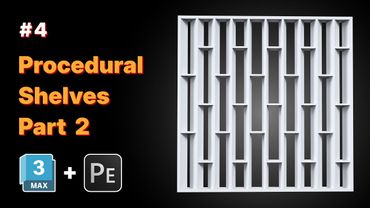
Pattern Engine for 3ds Max | How-To #4: Shelves Part 2