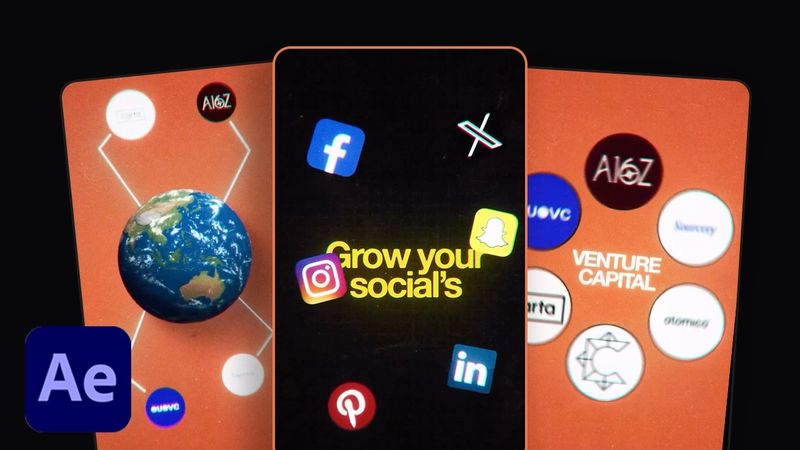
High-End REEL Editing Style You Must Learn in 2026

Download information and video details for High-End REEL Editing Style You Must Learn in 2026
Uploader:
Simply PutPublished at:
1/13/2026Views:
2.8KDescription:
💻 Get Project File & Free Assets: ✅ Master After Effects in 2 weeks - 🎁 Free 5GB Editing Assets - Credits: Orbit.media.in Download Roundabout: 0:00 Intro 0:24 Step 1 - Text Animation 3:20 Step 2 - Rotation Setup 9:37 Step 3 - Typography + Transition 17:36 Step 4 - Rhythm + Transition 26:38 Final Result ⭐ MY GEAR & RECOMMENDATIONS: 💻 My Editing Machine (Mac Mini Pro): 🖥️ My Monitor / Desktop Display: 🎙️ My Microphone: 📸 My Camera: 💡 My Softbox: 🔦 My Key Lights: 🖱️ My Mouse: ⌨️ My Keyboard: 🎧 My Headphones: 📷 My Tripod: 💸 Best Budget Editing PC Options: – 🟦 Option 1 (Budget) – – 🟩 Option 2 (Mid-range) – – 🟥 Option 3 (High-end Windows) – High-end Reels aren’t about flashy effects anymore — they’re about timing, restraint, and intentional motion. In this tutorial, I break down a premium Reel editing style that brands and top creators are using in 2026 to stand out on Instagram and Shorts. You’ll see exactly how to structure the edit, control pacing, and create clean motion that feels expensive — even with simple footage. In this video, you’ll learn: – The editing structure behind high-end Reels – How to control pacing for premium-looking motion – Where to add subtle transitions (and where not to) – How to make Reels feel intentional instead of over-edited – A repeatable workflow you can reuse across projects This style works perfectly for: • Brand Reels • SaaS & product videos • Personal brands & creators • Client work that needs a premium finish #AfterEffects #ReelEditing #HighEndReels #InstagramReels #MotionDesign #ShortFormEditing #ViralReels #ReelEditor #ContentCreators #AfterEffectsTutorial #Reels2026
Similar videos: End REEL Editing Style You Must Learn in
How to Edit VIRAL Fast Paced Reels in After Effects (Easy Breakdown)
EASIEST Way to Animate Viral 3D REELS in After Effects | Beginner Tutorial
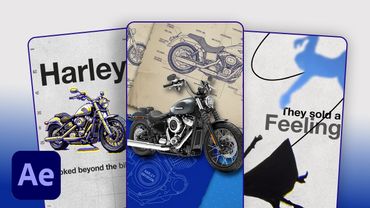
How to Edit 3D Viral Reels in 2026 | After Effects Tutorial

Creating a STUDIO LEVEL Commercial Look - Cinematography Breakdown
Stylized Hand Painted Sword ⚔️ (Blender Tutorial)