How to Access the Mac mini M2 Server Remotely with VNC

Download information and video details for How to Access the Mac mini M2 Server Remotely with VNC
Uploader:
SIM-Networks: Your Goals, our TechPublished at:
6/14/2023Views:
2.5KDescription:
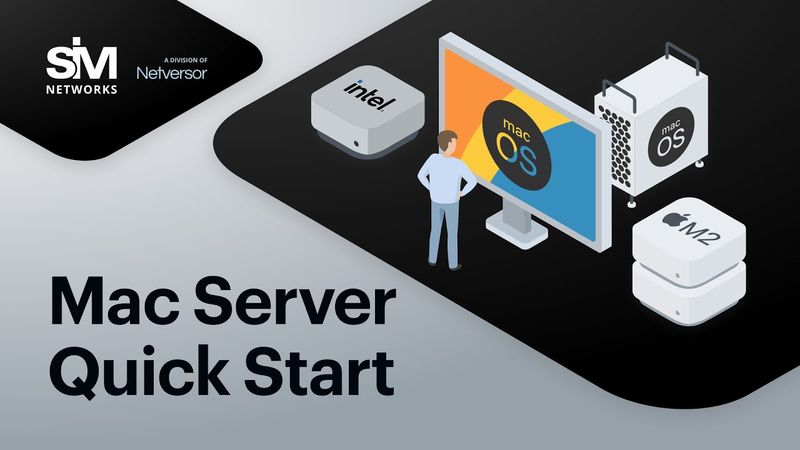
Order the new high-performance Mac mini M2 server, now available at SIM-Networks! Deploy apps, write code, render media, and more with dedicated macOS servers; it works just like your own physical Mac. 👉 Order a Mac server & work with macOS without buying Apple hardware: 5 reasons to rent SIM-Networks Mac servers: ✅ Latest tech: we offer macOS servers based on the most recent M2 chip ✅ Lower costs: rent a Mac & get your job done without buying expensive equipment ✅ Dedicated hardware: the full potential of the macOS server is exclusively yours ✅ Stable uptime: 99.9% availability guaranteed thanks to our state-of-the-art data centers ✅ 24/7 support: reach out to the SIM-Networks team whenever you need assistance 🚀 Visit our website: 🚀 Email us: [email protected] 🚀 Call us: 0038 044 277 2610
Similar videos: How to Access the Mac mini M

Только купил MacBook? ГАЙД ДЛЯ НОВИЧКОВ 2025
Эти Приложения Медленно Убивают Твой MacBook!

MacBook Air M4 – Честно После 6 Месяцев Использования

Стоило ли покупать УБИТЫЙ MacBook за 5000₽? Результат ШОКИРОВАЛ! Ремонт MacBook Pro 15 1013 a1398
Что такое MAC - адрес и как его узнать?