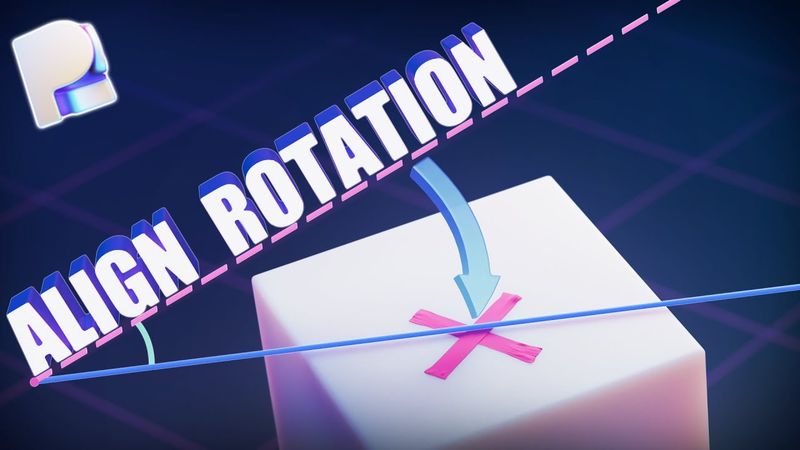
How To Align Objects In Plasticity (Easy)

Download information and video details for How To Align Objects In Plasticity (Easy)
Uploader:
ilishoPublished at:
9/29/2025Views:
1.4KDescription:
Align Rotation in Plasticity Made Easy! ✍️🔥 Learn two simple and fast methods to align rotation of any object in Plasticity — all in just 3 minutes! 👉 Don’t forget to subscribe for tutorials on Plasticity, Blender, and 3D workflow tips! _____________________________________________________________________________________ 👉 Tutorials about the plastic and metallic shaders: Modeling Apple USB-C Power Adapter: Y2K Pager (materials setup): 👉 Other Related tutorials: Viking Blacksmith Forged Knife: Antique Surgical Bone Saw: Jalabiner Carabiner Design: 🖼️ Full playlist with other videos here: _____________________________________________________________________________________ 📁 Downloads: 📁 Download the light setup i use for render: 📁 Download the dust setup i use in render: 💡 Advanced Blender lighting tutorial: _____________________________________________________________________________________ Perfect for anyone learning Plasticity or expanding their hard surface modeling skills. 🎓 Difficulty: Medium 🛠️ Software: Plasticity → Blender → _____________________________________________________________________________________ #Plasticity #3DModeling #Alignobject #PlasticityTutorial #3DTutorial #AlignRotation 🔔 Subscribe for more Plasticity and Blender tutorials. 💬 Want to see a specific object modeled next? Drop your ideas in the comments! 🧠✨ Stay healthy and keep creating 👇 Chapters / Timecodes: 00:00 - Intro 00:04 - The First Method 00:55 - The Second Method 02:58 - Reset Pivot 03:15 - Outro
Similar videos: How To Align Objects In Plasticity
Beginner Blender Tutorial - Full Course
How to make ANY video CINEMATIC | tips, tricks & definition

Let's learn PHP 8 in 2023 | Part 2 | Superglobals & Form Handling (Web Developer Path)

Let's learn PHP 8 in 2023 | Part 1 | Basics (Web Developer Path)

Beginner Blender 4.0 Tutorial - Part 9: Layout