How to Build a PC - Full Detailed Build Guide (2025)

How to Build a PC - Full Detailed Build Guide (2025)01:48:09

Download information and video details for How to Build a PC - Full Detailed Build Guide (2025)
Uploader:

TechSource

Published at:

5/31/2024

Views:

2.2M

Description:

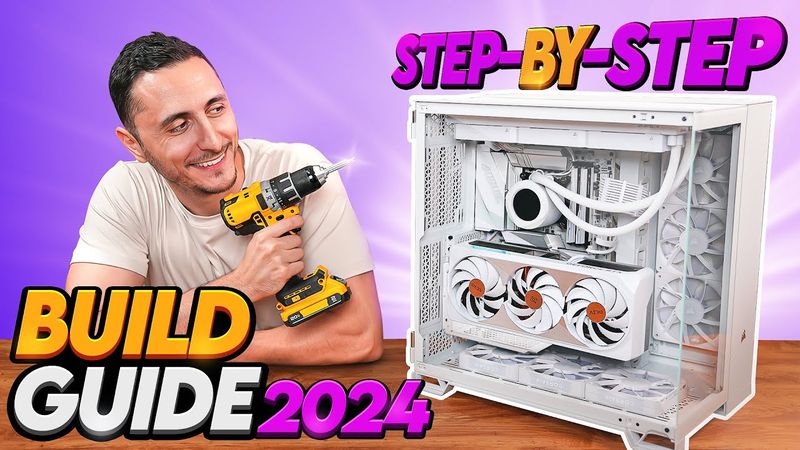
The video provides a comprehensive, step‑by‑step guide to building a PC, starting with an introduction at 0:00 and covering what you need at 1:07. At 4:12, the presenter discusses PC components, and the build begins at 4:58. The Intel CPU is installed at 5:38, followed by the AMD AM4 CPU at 8:18, the AMD AM5 CPU at 9:07, and the AMD Threadripper CPU at 10:24. Memory is installed at 12:13, the M.2 SSD at 13:39, and thermal paste is applied at 17:00. Cooling solutions are demonstrated from 18:03 to 27:32, including the stock CPU cooler, AMD Prism cooler, aftermarket air cooler, and AIO cooler. The presenter discusses testing the PC or building in the case at 31:53, testing outside the case at 32:12, and boot testing at 41:32. Case preparation begins at 43:19, with the IO shield installed at 43:52, standoffs at 44:38, and the motherboard in the case at 46:06. Front panel connectors are hooked up at 46:47, JFP1 connectors at 50:05, and the AIO cooler orientation at 52:26. Fans are connected together at 53:52, radiator fan configuration is decided at 54:31, and the AIO is installed on top of the case (horizontal) at 56:04 and vertically at 57:26. The pump is secured to the CPU at 59:47, and AIO and controller cables are plugged in at 1:01:17. The modular power supply is set up at 1:04:08, installed at 1:08:30, and SSD and hard drives are hooked up at 1:09:18. Air pressure and case fan configuration are decided at 1:12:56 and 1:14:24, respectively. Fan cables are plugged in at 1:17:43, fans are daisy chained at 1:19:11, and power supply cables are plugged into the motherboard at 1:21:49. A vertical GPU bracket is installed at 1:23:48, the graphics card is installed vertically at 1:24:34, PCIe cards at 1:25:13, and the graphics card horizontally at 1:25:55. The operating system is downloaded at 1:27:34, PC cables are plugged in at 1:28:31, the PC is powered on at 1:29:41, the CPU fan header is set to max speed at 1:30:12, and Windows is installed at 1:30:58. Motherboard drivers are downloaded at 1:33:47, Windows is activated at 1:35:25, additional storage devices are activated at 1:36:26, the monitor refresh rate is updated at 1:37:23, Windows power plan and settings are changed at 1:37:14, graphics card drivers are downloaded at 1:38:11, XMP is enabled at 1:38:38, and Windows is optimized at 1:40:30. Troubleshooting sections cover black screen issues at 1:42:30, BIOS update issues at 1:45:30, USB OS drive recognition at 1:46:39, and storage device visibility at 1:47:24.