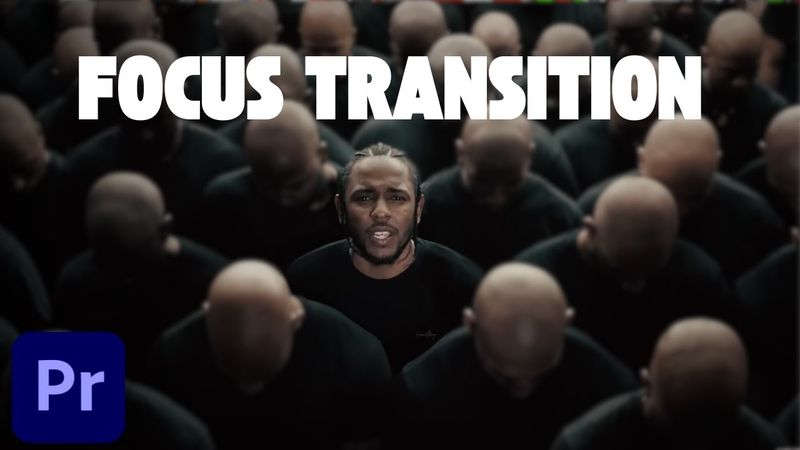
How to Create a Focus Transition in Premiere Pro (Smooth Blur Cut Effect)

Download information and video details for How to Create a Focus Transition in Premiere Pro (Smooth Blur Cut Effect)
Uploader:
MiracampPublished at:
6/30/2025Views:
1.6KDescription:
Learn how to build a smooth focus transition in Premiere Pro — step-by-step and fast! This video shows you exactly how to use directional blur and adjustment layers to create a cinematic focus/blur whip transition between clips. Great for reels, travel edits, YouTube videos, and more. 🎯 Works with fast-paced editing 🎞️ Uses directional blur + adjustment layers ⚡ Perfect for dynamic, cinematic cuts 📌 Tutorial Steps Covered: Cut each clip (~10 frames) for a fast pace Add a 6-frame adjustment layer between them Apply Directional Blur (angle: 75°) Animate blur from 0 ➜ 60 ➜ 0 for a smooth zoom feel Duplicate to all transitions and DONE! 🔔 Subscribe for more fast editing hacks, Premiere Pro tutorials, and effects breakdowns. ⬇️ Click here to download Project Folder: 👉 to learn more and enroll in Miracamp today. 🚀 Don’t wait — your creative future starts now!
Similar videos: How to Create a Focus Transition in Premiere Pro
How to Add Motion Blur in Premiere Pro – 3 Easy & Pro Techniques (2025 Tutorial)
How to get PERFECT Speed Ramp Transitions in Premiere Pro 2025
How to Speed Up, Reverse & Slow Down Video in Premiere Pro (2025 Tutorial)
You NEED to Try the New Focus Blur Effect in Premiere Pro
How to Edit Instagram Reels From Scratch in After Effects Beginner Tutorial