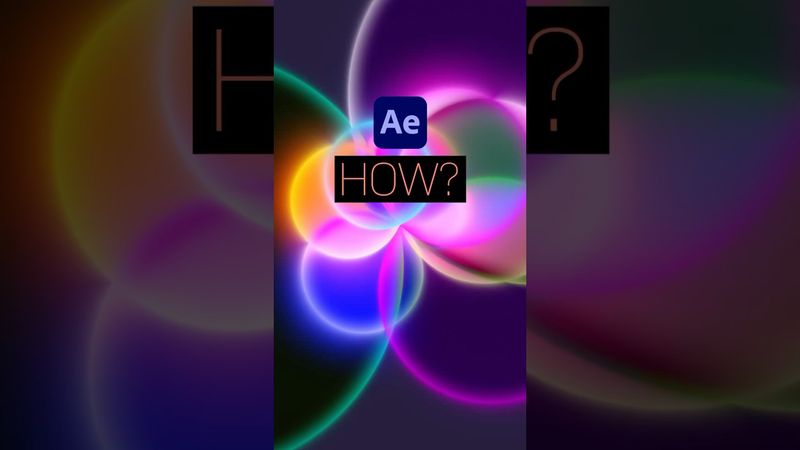
How to create a Glowing Blossom Animation in After Effects

Download information and video details for How to create a Glowing Blossom Animation in After Effects
Uploader:
Manuel does MotionPublished at:
8/6/2025Views:
5.5KDescription:
Rotating shapes turn into a procedural glowing blossom animation in After Effects. In this tutorial, we use basic expressions to animate the shapes and a few standard effects to get the look right. And we adjust the blending mode of the layers. Get the project file in my next newsletter: ► Sign up for my Newsletter: ► My After Effects Courses + Resources: ► My After Effects Project Files: ► Follow my Socials: Instagram: TikTok: ------------ ► All music I use is from Artlist: Get 2 additional months for free! ► All you need to create stunning videos: SAVE €50 on an annual subscription! Some of my links are affiliate links. By purchasing through these links I earn some money at NO extra cost to you. It’s a Great way to support my channel! Thanks!
Similar videos: How to create a Glowing Blossom Animation in After Effects

Making BANGER Instagram Carousels Like a Pro!

Physics Animations in After Effects

How To Create TRENDING Reels, Shorts & Tiktoks (Step-by-Step)
Editing Motion Graphics Reels in Premiere Pro – Clean & Minimal Style
3D Camera Animation in After Effects