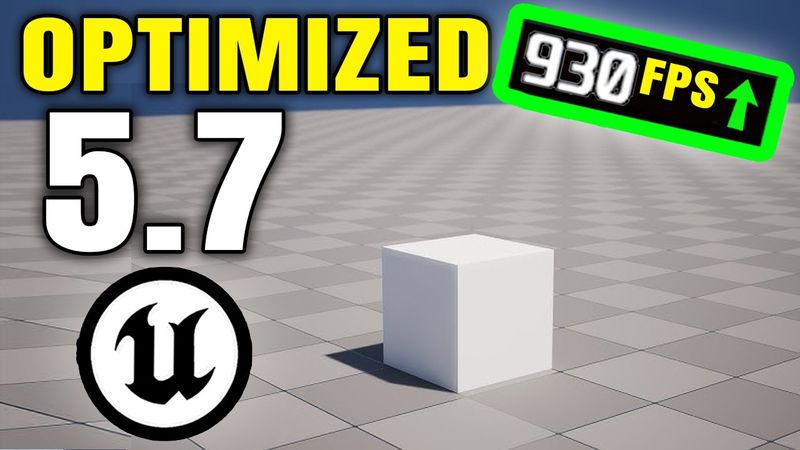
How To Create An Optimized UE5 Base Project

Download information and video details for How To Create An Optimized UE5 Base Project
Uploader:
Smart PolyPublished at:
12/27/2025Views:
14.1KDescription:
Check Out my Multiplayer Courses: Check Out my Survival Game Course Bundle! 🎉Use Code: UNREALFIVESEVEN 🎉for 25% OFF your purchase! 🎉 Hello guys welcome back to another video. In this video I'll be showing you how to create a simple base template project that has all of the major UE5 features disabled. This is ideal for your games or projects that don't need dynamic lighting, nanite geometry, or ray tracing. This is also perfect for games that need to be stylized, or just if you don't have the greatest hardware and you still want to mess around with Unreal Engine 5. DOWNLOAD THE FREE PROJECT HERE: DOWNLOAD THE DEFAULT ENGINE CONFIG INI FILE: DOWNLOAD THE TEMPLATE HERE: Check Out my Survival Game Course Bundle! LINKS: --------------------------------------------------------------------------- My Courses: Survival Game Course: Channel Membership: Support Me on PATREON: Buy My Complete Projects: Donate: --------------------------------------------------------------------------- MY PC SPECS & AFFILIATE LINKS --------------------------------------------------------------------------- Mouse: Keyboard: Laptop: CPU: RAM: GPU: SSD 2TB: SSD 4TB: Primary Monitor 4K: Secondary Monitor 1080p: Microphone: Audio: Headset:
Similar videos: How To Create An Optimized UE

#Showcase | Stylized Barrier Shader in Unreal Engine 5

Hologram shader in Unreal Engine 5. Settings
The ONLY Pixel Art Guide You Need (Beginner to Advanced)
Fiyat/Performans Canavarı 15.000 oyunlu Retro Konsol İnceleme ! RG36S

17 - React + Ant Design / Antd / React JS - Путь Самурая 2.0