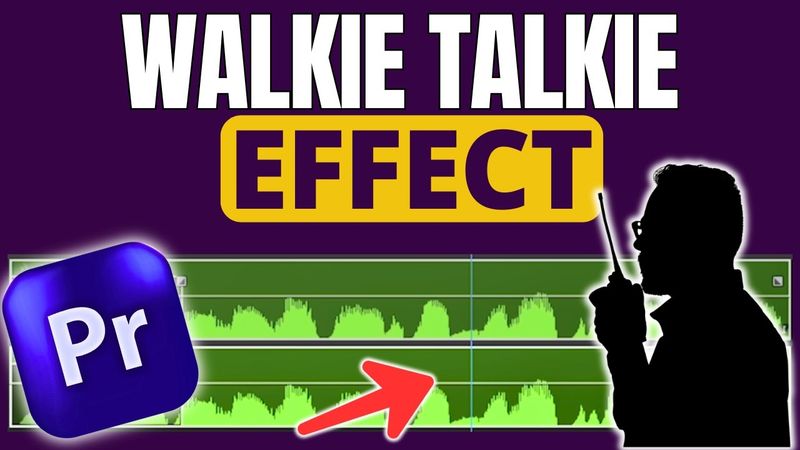
How To Create Walkie Talkie Effect In Premiere Pro

Download information and video details for How To Create Walkie Talkie Effect In Premiere Pro
Uploader:
Ivisualpro (Adobe Premiere Pro, After Effects)Published at:
8/7/2025Views:
88Description:
Learn how to create the Walkie Talkie voice effect in Adobe Premiere Pro step-by-step! - In this tutorial, you’ll discover how to add that classic radio sound used in military scenes, security footage, or sci-fi videos — all using built-in Premiere Pro effects. Whether you're editing short films, YouTube videos, or creative skits, this radio voice effect will level up your sound design and storytelling. 🔧 What you’ll learn: How to simulate walkie talkie audio Use of EQ and distortion effects Adding background static or radio noise Bonus tip: How to sync the effect with visuals 🎙 Perfect for content creators, video editors, and filmmakers! 👉 Don’t forget to like, comment, and subscribe for more Premiere Pro tutorials and video editing tips. *About IVisualPro* IVisualPro is your trusted resource for mastering video editing and motion graphics. We provide high-quality tutorials, insightful tips, and essential tools to empower you in creating captivating video content that stands out. *Connect with Us:* Facebook: [ / ivisualpro ]( / ivisualpro ) Twitter: [ / ivisualpro ]( / ivisualpro ) Instagram: [ / ivisualpro ]( / ivisualpro ) *Subscribe for More:* Subscribe to our channel ([ and hit the notification bell to receive weekly updates on video editing, motion graphics, and visual effects. *Explore More Tutorials:* *How to Open Premiere Pro Sequences/Projects in DaVinci Resolve:* [ *Working with Premiere Pro Projects in DaVinci Resolve:* [ *Creating Old Film Countdowns in Premiere Pro:* [ *Exploring New Features in Premiere Pro Update 2024:* [ *Efficiently Exporting Multiple Files in Premiere Pro:* [ *Offline Classes and Services:* IVisualPro offers comprehensive offline video editing classes, event coverage, video ad creation, and YouTube page management services. *Contact:* Feel free to reach out for inquiries or consultations through call, SMS, WhatsApp, or by visiting our profile link below to view our portfolio. *Contact Information:* Phone: +2348154229098 Phone: +2348096944529
Similar videos: How To Create Walkie Talkie Effect In Premiere Pro

How to Create Wiggle Text Animation in Premiere Pro (Easy Tutorial)
How to edit Viral Reels in Premiere Pro | Live Reel Editing
How to edit Viral Reels in Premiere Pro | Live Reel Editing

Premiere Pro Reels Editing Breakdown 🔥 Learn Viral Animation + Captions + Effects in 1 Hour!
Create a Cinematic Blender Animation (with Compositing Tricks!) – Full Tutorial