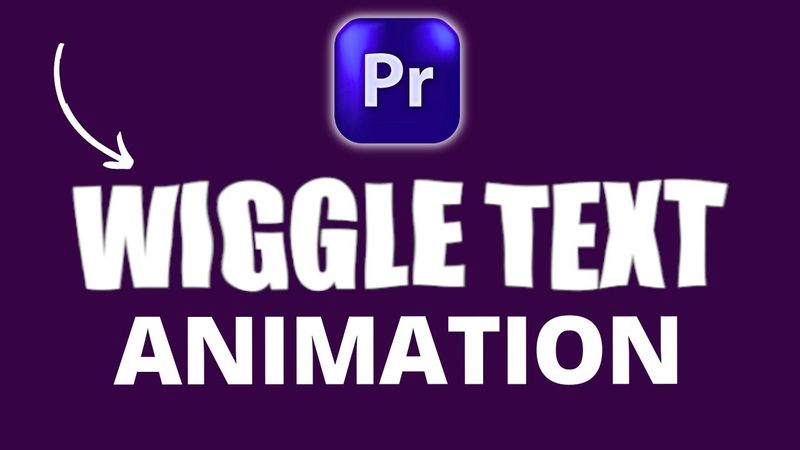
How to Create Wiggle Text Animation in Premiere Pro (Easy Tutorial)

Download information and video details for How to Create Wiggle Text Animation in Premiere Pro (Easy Tutorial)
Uploader:
Ivisualpro (Adobe Premiere Pro, After Effects)Published at:
7/23/2025Views:
93Description:
Want to make your titles and text pop with movement? - In this quick and easy tutorial, you’ll learn how to create wiggle text animation in Adobe Premiere Pro — perfect for YouTube intros, social media videos, music promos, and more! ✅ This tutorial covers: How to add wiggle effect to text Using keyframes and animation settings Tips to make your motion graphics more dynamic Whether you're a beginner or an advanced video editor, this simple wiggle animation technique will take your editing skills to the next level. 🔥 Add energy to your videos with animated text! 📌 Don’t forget to Like, Comment, and Subscribe for more Premiere Pro effects, motion graphics tutorials, and content creation tips. #WiggleTextPremierePro #TextAnimationPremierePro #MotionGraphics #PremiereProTutorial #VideoEditingTips #TextEffects *About IVisualPro* IVisualPro is your trusted resource for mastering video editing and motion graphics. We provide high-quality tutorials, insightful tips, and essential tools to empower you in creating captivating video content that stands out. *Connect with Us:* Facebook: [ / ivisualpro ]( / ivisualpro ) Twitter: [ / ivisualpro ]( / ivisualpro ) Instagram: [ / ivisualpro ]( / ivisualpro ) *Subscribe for More:* Subscribe to our channel ([ and hit the notification bell to receive weekly updates on video editing, motion graphics, and visual effects. *Explore More Tutorials:* *How to Open Premiere Pro Sequences/Projects in DaVinci Resolve:* [ *Working with Premiere Pro Projects in DaVinci Resolve:* [ *Creating Old Film Countdowns in Premiere Pro:* [ *Exploring New Features in Premiere Pro Update 2024:* [ *Efficiently Exporting Multiple Files in Premiere Pro:* [ *Offline Classes and Services:* IVisualPro offers comprehensive offline video editing classes, event coverage, video ad creation, and YouTube page management services. *Contact:* Feel free to reach out for inquiries or consultations through call, SMS, WhatsApp, or by visiting our profile link below to view our portfolio. *Contact Information:* Phone: +2348154229098 Phone: +2348096944529
Similar videos: How to Create Wiggle Text Animation in Premiere Pro
How To Create Walkie Talkie Effect In Premiere Pro

Get the PERFECT Minimal Editing Style in Just 27 Minutes
How to edit Viral Reels in Premiere Pro | Live Reel Editing
![🔥How to animate like MagnatesMedia in after effects [Full tutorial]](https://videodownloadbot.com/images/video/330/3ocn0oakjeg64ez5aky925q8nc41p8lo_medium.jpeg)
🔥How to animate like MagnatesMedia in after effects [Full tutorial]
Create a Cinematic Blender Animation (with Compositing Tricks!) – Full Tutorial