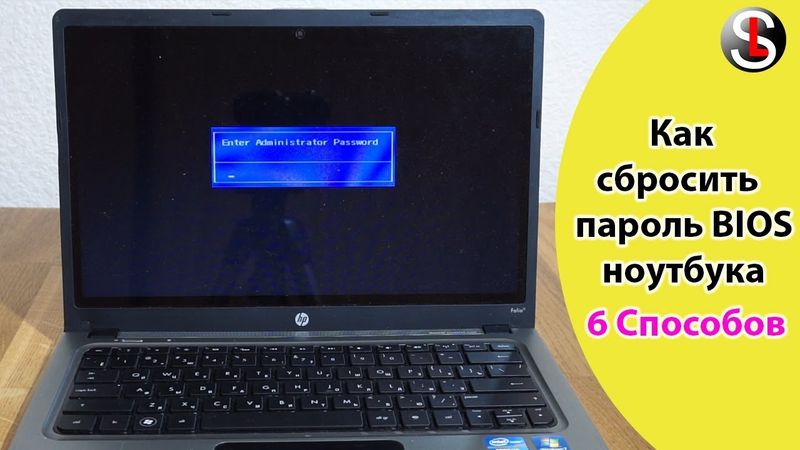
How to reset BIOS password on a laptop 6 Ways

Download information and video details for How to reset BIOS password on a laptop 6 Ways
Uploader:
ServLessonPublished at:
8/30/2019Views:
226.7KDescription:
Here I want to introduce how you can reset the BIOS password, which must be entered when you turn on the laptop or enter the BIOS settings. Based on this, the methods for solving this problem can be conditionally divided into two directions. The first is when there is no possibility of choosing the boot from the storage medium, entering the BIOS and then starting the OS. The second direction is restricting access to the BIOS settings. 0:34 Let's consider the first method, when you turn on the laptop or when trying to enter the BIOS settings, a window appears where you need to enter a password. In these cases, when the incorrect key is entered repeatedly, the message “System Disabled” appears, where a set of numbers is indicated. They must be written out, then on another working PC, laptop, etc. launch a browser and go, for example, to this site, which allows you to generate a master password, which makes it possible to remove the lock. 1:51 You can try to reset the password by completely turning off and de-energizing the laptop, removing the battery from it and then holding down the power key for 10-20 seconds. Of course, this option will help, to a greater extent, if the battery on the motherboard runs out or has already run out. But in my case, unfortunately, this did not help. 2:14 An effective way to solve this problem can be to remove the battery from the connector on the motherboard for a few seconds and then reinstall it. To do this, in some cases it will be necessary to disassemble the laptop literally to a bolt. Not all laptop series have access to the battery only when it is partially disassembled or one cover is removed from the bottom. 2:39 In some cases, a possible solution might be to reset the BIOS. But for its implementation, you will need to know the password to enter. 3:47 Under the condition that access is restricted only to BIOS settings (and it is open to launch the operating system or choose to boot from the storage medium), the password can be reset using the CmosPwd program. 7:46 Another rather risky way to solve this problem can be BIOS firmware. I think you understand, if you sew the wrong version, then a number of laptop devices, for example, such as network carat, wi‑fi adapter may not work correctly or the laptop will not turn on at all. In this case, I will demonstrate how this can be done on Windows. First of all, from the official website of the laptop manufacturer you need to download the BIOS flasher for your device model. Then it remains only to run it and enjoy the process. In my case, unfortunately, the firmware did not allow me to reset the password. Perhaps you will be different.


![جوین کردن کامپیوتر به دامین [ اولین قدم بعد از نصب دامین]](https://videodownloadbot.com/images/video/757/xu3fzc9jpzhzr1jiuanmp6np06eajkb9_medium.jpeg)