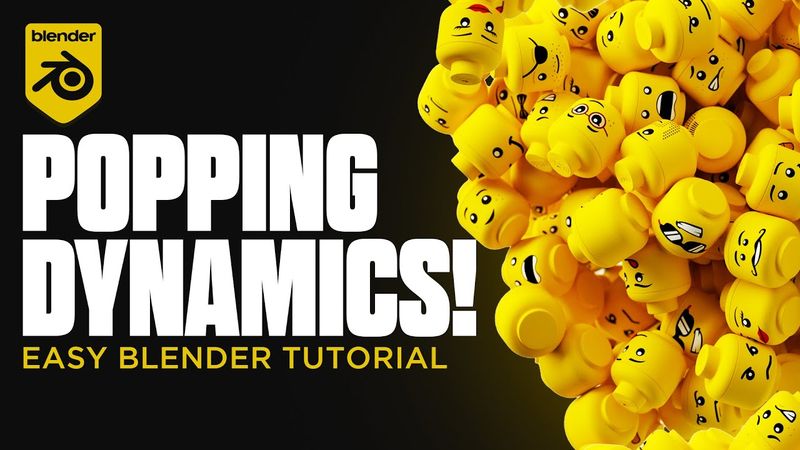
Make Objects 'POP' In Blender 3D (Beginner Friendly)

Download information and video details for Make Objects 'POP' In Blender 3D (Beginner Friendly)
Uploader:
Brock CreativePublished at:
9/5/2024Views:
11.2KDescription:
Let's create an awesome 'POP' effect using Rigid Body Dynamics in Blender. This effect is perfect for product animations and was explained in my previous Cinema4D Tutorial however, for all my blender users out there today we'll look at how you can achieve this effect in only a few minutes! Join the 3D Community discord! --------------------------------------------------- Timestamps: 0:00 - Introduction 0:12 - Setting Up Scene 0:30 - Download Models 0:43 - Scene Optimisation 1:12 - Applying Rigid Body Dynamics 1:41 - Changing Spawn Location 2:05 - Adding Force 3:03 - Animating 4:14 - Fixing Our Links 5:03 - Rigid Body Fix 5:38 - Finalising The 'Pop' Links: Website: Instagram: TikTok: Setup: CPU: AMD Ryzen 9 7950X Processor GPU: Nvidia RTX 4090 24GB Graphics Card RAM: 64GB Corsair RGB DDR5 Gear: Mouse: Logitech MX Master 3 Keyboard: Logitech MX Mechanical Microphone: Shure SM7B Camera: Sony ZVE10 Lights: Neewer 18.3” RGB LED Light (x3) --------------------------------------------------- #blender3d #blendertutorial #blenderanimation #blenderbeginnertutorial
Similar videos: Make Objects

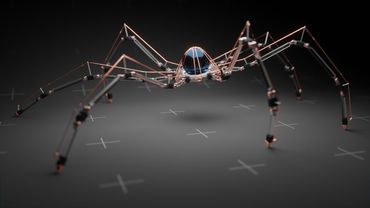
Tutorial: Making a Mechanical Walking Creature in Blender
Method Revealed! How to Make Beautiful 3D Bodies Like a Pro
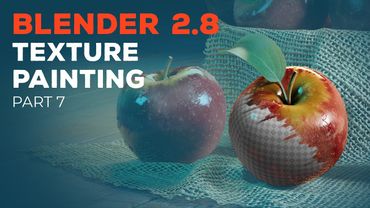
Blender 2.8 Beginner Tutorial - Part 7: Texture Painting

Character Creator 3 & Blender Roundtrip Character Workflow! Elevate Your Characters with Reallusion!
8 Cool & Satisfying 3D Printed Fidget Toys in 60 Seconds! #3dprinting #fidgettoys #satisfying