Onshape: Designing a 3D Part

Download information and video details for Onshape: Designing a 3D Part
Uploader:
Start 3D ModelingPublished at:
12/9/2025Views:
65Description:
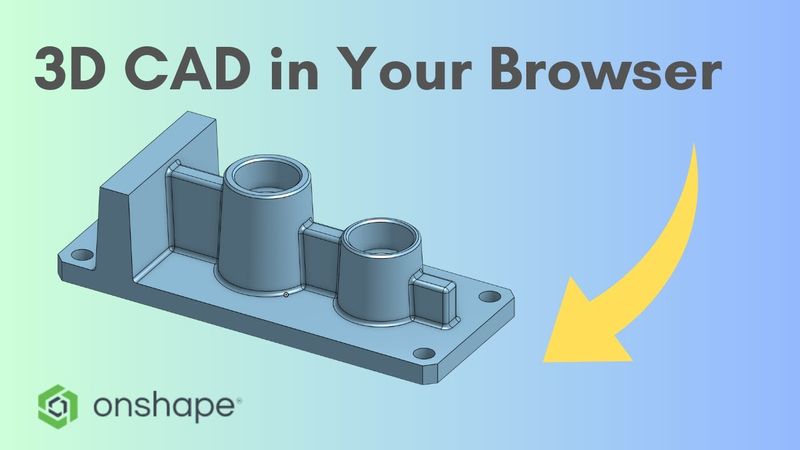
Onshape is the CAD system I use – Try Onshape Pro free for up to 6 months (Affiliate Link) MY CAD & 3D PRINTING GEAR (Affiliate Links): (Disclaimer: As an Amazon Associate I earn from qualifying purchases.) Workstation & Accessories: • Best Budget Workstation (Mac Mini M4): • 3D Mouse (SpaceMouse Pro Wireless): • Best Mouse (Logitech MX Master 3S): • Best Keyboard (Logitech MX Keys): 3D Printing: • Reliable Filament: Essential Tools: • Digital Caliper (Budget option): Did you know you can design in 3D directly in your browser, even on a low-end computer or tablet? In this video, I’ll show you step by step how to create a technical part in Onshape. You’ll learn how to efficiently use sketches for multiple operations (sketch sharing), how to create wall tapers (Draft), and how to use the Mirror feature to speed up your work. Transparency note: As a solo creator managing multiple channels, I use dubbing tools to translate my tutorials into English. This allows me to spend less time in the recording booth and more time creating complex Plasticity/Onshape workflows for you. Thanks for understanding and enjoy the tutorial!
Similar videos: Onshape

Plasticity: The Easiest CAD for 3D Printing? (Array Tutorial)

PSDT: Photoshop’s Most Underrated Presets!

4K HDR ▪︎ Tron: Ares (2025) Official Trailer | 🎞 Created in Video Enhance Studio AI

It only takes 1 week to memorize anything...

Time Delay Relays Explained - How timing relays work hvacr