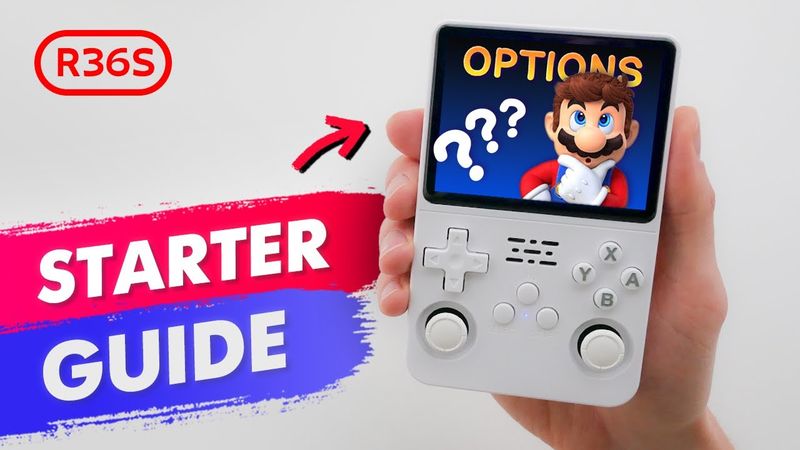
Learn how to optimize your R36S, R36XX, and R36H handheld consoles with this complete Beginner’s Guide to ArkOS Options and Settings. Whether you just bought your R36S handheld or want to unlock its full potential, these ArkOS tips and best settings will help you get the most out of your console.
00:00 Intro
00:18 What is ArkOS and why update SD cards?
01:12 Device Type & How to select the correct console model in ArkOS?
01:37 351 Files built-in file manager
01:52 Change LED to Red & How to change the power LED color?
02:06 Time Settings & How to set the correct time and date in ArkOS?
02:16 File Manager & How to copy files between folders?
02:30 Network Info
02:41 Remove Files with Underscores & How to delete junk files?
02:58 Boot Image & How to replace the default boot GIF?
03:21 Launch Video & How to add a custom launch video?
03:35 Update ArkOS
03:49 Wi-Fi & Wi-Fi Toggle & How to connect or disable Wi-Fi to save battery?
04:01 How to back up ArkOS settings?
04:20 Clear Last Played & How to clear the recent games list?
04:30 Controller Tester & How to check if all buttons work?
04:39 Enable Quick Mode & How to auto-save and resume games?
05:06 Reset Controls & Emulators & How to restore default button mapping?
05:22 Second SD Card & How to switch game storage to another card?
05:43 Copy Games to Main Card & How to store games on the primary SD with ArkOS?