Pattern Engine for 3ds Max | How-To #4: Shelves Part 2

Download information and video details for Pattern Engine for 3ds Max | How-To #4: Shelves Part 2
Uploader:
Pivot StudioPublished at:
1/29/2025Views:
485Description:
How-To Series: Pattern Engine for 3ds Max | Tutorial #4 Learn how to quickly and effortlessly create parametric shelves using Pattern Engine for 3ds Max in this tutorial of the How-To series. Pattern Engine is a powerful scripted tool designed for 3ds Max, enabling you to generate and edit a wide range of 3D geometries. From parametric patterns and 3D tiles to partitions, shelves, wall art, upholstery, and more—Pattern Engine makes the process faster and easier than traditional methods. Pattern Engine demo video: Get Pattern Engine Today: 👉 Full details and ordering : 💥 Special Discounts: 15% OFF when purchasing two or more licenses: 30% OFF for five or more studio licenses:
Similar videos: Pattern Engine for

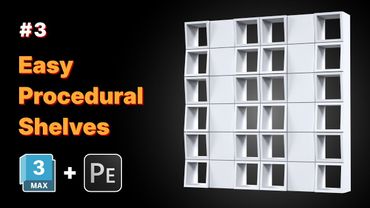
Pattern Engine for 3ds Max | How-To #3: Shelves part 1

Getting Started with Pattern Engine for 3ds Max | 03 – Terminology & UI

Getting Started with Pattern Engine for 3ds Max | 04 - Create & Edit
Getting Started with Pattern Engine for 3ds Max | 12 - Gradient Effect
Premiere Pro Motion Graphics Reels – Clean & Smooth Animation Guide