QUICK TIP: Introducing Macros in RailClone (beginner)

Download information and video details for QUICK TIP: Introducing Macros in RailClone (beginner)

Uploader:
ITOOSOFTPublished at:
8/10/2017Views:
14.6KDescription:
RailClone 3 introduced Macros, a new feature that allows you to collapse graphs into a single node. Macros allow you to approach creating RailClone objects in a new way. The existing operators become the fundamental elements that are combined in a subgraph to create completely new functions, that are much easier to understand and re-use. Free lite versions of our plugins are available that never expire, can be used commercially and include nearly all of the powerful features found in the Pro version! Find out more by following the links below Forest Pack: RailClone: #railclone #3dsmax #itoosoft
Similar videos: QUICK TIP

3ds Max Pro Tip: Mastering Macros in RailClone 6

QUICK TIP: Creating a Numeric Macro in RailClone (intermediate)
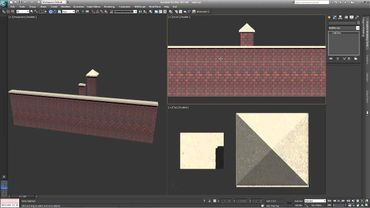
QUICK TIP: Making a Picket fence with RailClone in 3ds Max (beginner)

How to create parametric Railings with 3ds Max

QUICK TIP: Using Deform modes in RailClone Lite (beginner)