Step-by-Step FedEx Logo Animation in ToonSquid for Beginners

Download information and video details for Step-by-Step FedEx Logo Animation in ToonSquid for Beginners
Uploader:
Shake my artPublished at:
8/4/2025Views:
583Description:
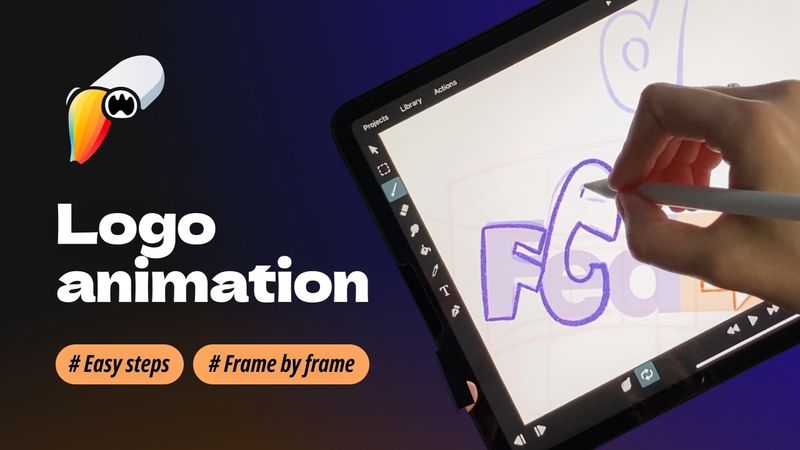
Animate the FedEx Logo Frame by Frame in ToonSquid | Step-by-Step Tutorial Dive into the world of frame-by-frame animation as we bring the iconic FedEx logo to life using ToonSquid on the iPad. This tutorial is perfect for beginners and seasoned artists alike, showcasing the power of traditional animation techniques in a modern digital environment. In this video, you'll learn: ✅ Setting up your canvas and importing reference images ✅ Sketching and refining each frame for smooth motion ✅ Utilizing ToonSquid's tools for efficient workflow ✅ Tips for timing and easing to achieve natural animations Whether you're new to animation or looking to enhance your ToonSquid skills, this step-by-step guide will inspire you to create your own mesmerizing logo animations. Timestamps: 0:00 – Introduction 0:27 – Create project 0:36 – Import photo 1:13 – Draw the guides 2:59 – Create a arrow 4:41 – "F" Letter 6:21 – "E" Letter 7:14 – "D" Letter 8:04 – "EX" part 8:58 – Draft preview 9:16 – Clean UP stage 13:29 – Filling stage 14:34 – Final preview Don't forget to like, comment, and subscribe for more digital art tutorials and animation tips!
Similar videos: Step FedEx Logo Animation in ToonSquid for Beginners

#Tutorial | How to Make a Hologram Shader in UE5

4 Frames, Infinite Speed: Flash’s Frame-by-Frame Run Animation in Procreate Dreams!

I'll Teach You After Effects in 60 Minutes...
A Toonsquid 2D Animation Tutorial

Premiere Pro Reels Editing Breakdown 🔥 Learn Viral Animation + Captions + Effects in 1 Hour!