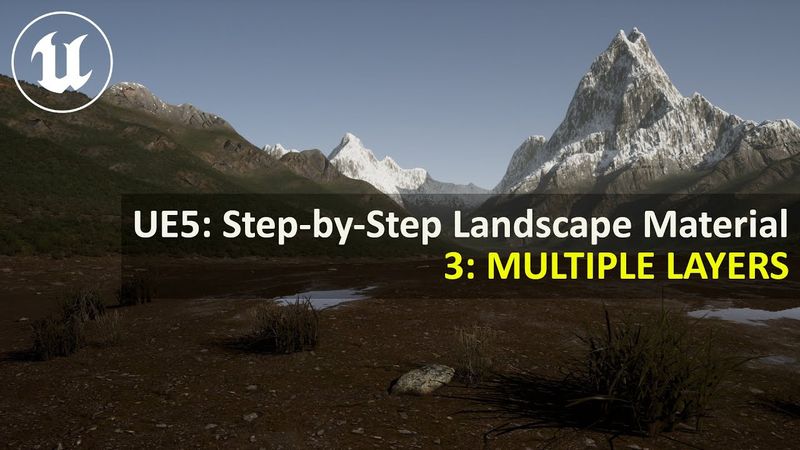
UE5.4 Step-by-Step Landscape Material | 3: MULTIPLE LAYERS (Slope Masks)

Download information and video details for UE5.4 Step-by-Step Landscape Material | 3: MULTIPLE LAYERS (Slope Masks)
Uploader:
UnrealityBitesPublished at:
11/1/2024Views:
18.3KDescription:
In this Unreal Engine 5 course, suitable for complete beginners, I'll be covering the creation of automatic landscape materials to bring life and realism to your worlds, whether they be for games development or movie making. In this episode, we'll set up a four layer landscape using slope masks. Make sure you've followed all of the earlier videos in the playlist before this tutorial at Get the textures from Quixel on FAB by using the following links: Mossy Grass Stony Soil Rock Cliff 00:00 - Intro 00:27 - Download Quixel Textures 02:43 - Create Material Function for Layer 16:50 - Set up Ground Layer 19:15 - Tidy Up Material Function 24:28 - Create Other 3 Layers 33:23 - Fix Material Function Errors 35:13 - Create Slope Masks 41:19 - Blend Layers using Slope Masks 48:06 - Final Tests
Similar videos: Step Landscape Material
UE5.4 Step-by-Step Landscape Material | 9: LANDSCAPE GRASS TYPES
UE5.4 Step-by-Step Landscape Material | 4: SNOW (Height / Noise Masks)

Method Revealed! How to Make Beautiful 3D Bodies Like a Pro

Курс по изучению Unreal Engine Урок 4.3 - Продвинутое изучение инструментов для создания ландшафта
Tutorial: Making a Mechanical Walking Creature in Blender