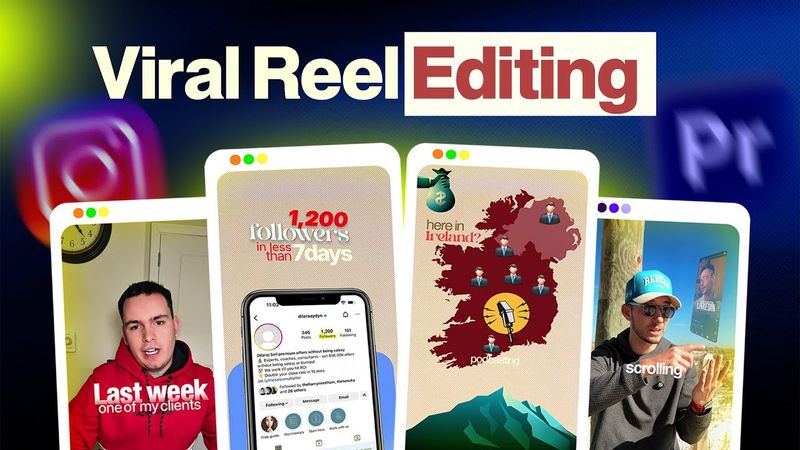
Viral Reels Editing in Premiere Pro | No After Effects | Full Tutorial for Beginners in Hindi

Download information and video details for Viral Reels Editing in Premiere Pro | No After Effects | Full Tutorial for Beginners in Hindi
Uploader:
HasimFXPublished at:
4/30/2025Views:
46.1KDescription:
In this video I’ll show you how to create smooth, animated, viral reels that look like After Effects but are made entirely in Premiere Pro—no After Effects, no plugins, no paid tools. It’s a step‑by‑step tutorial designed for beginners, walking through project setup, voice‑over sync, audio cleanup, color correction, auto‑caption generation, stylish caption design, free B‑roll sourcing, and motion‑style animations all within Premiere Pro. I also cover smooth transitions without plugins. The tutorial is structured as follows: 00:00 – Sample Preview; 00:12 – Intro: What You’ll Learn; 01:22 – Project Setup; 02:35 – Add & Sync Voiceover; 03:45 – Cleaning & Enhancing Audio; 08:36 – Color Correction; 11:00 – Auto‑Captions; 13:53 – Stylish Captions; 16:40 – After Effects‑style Animations; 26:20 – Smooth Transitions; 37:40 – Outro. This guide is intended for freelancers, content creators, and anyone who wants to produce professional short‑form videos that stand out.
Similar videos: Viral Reels Editing in Premiere Pro
Smooth Animated Reels Editing in Premiere Pro | No After Effects | Complete Tutorial in english
From Raw to Viral Reels in 30 Minutes | Premiere Pro Tutorial for Beginners
Viral Podcast Reel Editing in Premiere Pro | Minimal Text Animation Tutorial
Reel Editing Breakdown 2025 | Re-Editing Kallaway’s Video into Viral Reels

Premiere Pro Reels Editing Breakdown 🔥 Learn Viral Animation + Captions + Effects in 1 Hour!