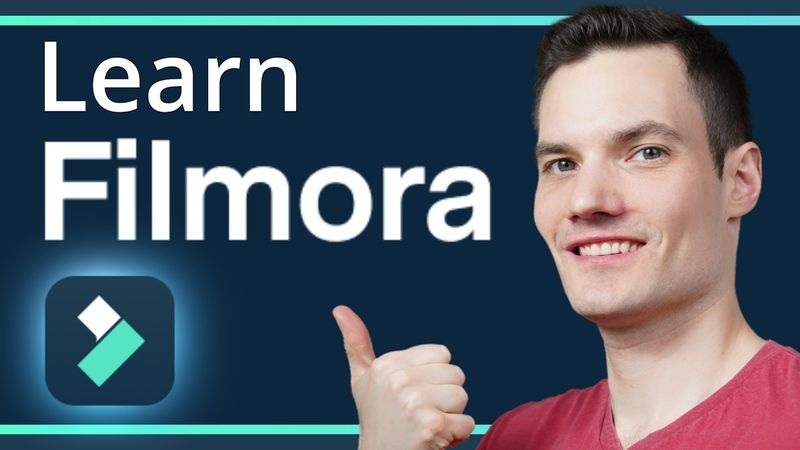
Filmora Video Editor Tutorial

Filmora Video Editor Tutorial 视频的下载信息和详情
作者:
Kevin Stratvert发布日期:
2024/6/23观看次数:
167.5K简介:
In this step-by-step Filmora 13 Video Editor Tutorial, learn how to create stunning videos effortlessly even if you're a beginner! Wondershare Filmora is an easy-to-use video editing software with powerful functions. Everyone can start with #Filmora easily and quickly even with zero editing skills. We walk through importing media, adding titles, graphics, transitions, and utilizing Filmora's new AI editing capabilities to make a short for the Kevin Cookie Company. Whether you're editing for YouTube, TikTok, or Instagram, this tutorial covers everything from basic timeline editing to advanced features like smart cutout and AI-generated music. Download Filmora and follow along with the provided sample footage to start creating amazing videos today!\n\n00:00 - Introduction\n01:11 - Download and Install Filmora 13\n01:41 - Explore the Start Screen\n02:21 - Set Aspect Ratio for Vertical Videos\n02:51 - Import Media\n05:18 - Preview clips\n06:05 - Configure shortcut keys\n06:39 - Change player quality\n06:56 - Add media to timeline\n09:11 - Working with the play head\n10:09 - Adjust timeline zoom\n11:11 - Trim clips\n12:58 - Ripple edits\n13:59 - Trim clips with shortcuts\n14:58 - Trim clips with Smart Edit AI\n17:40 - Set clip in and out points in player\n20:23 - Cut clips\n22:42 - Adjust clip properties\n24:58 - Set keyframes\n27:25 - Cutout background with AI\n30:58 - Record and add voiceover\n31:26 - Use AI for voice narration\n32:36 - Align clips with voiceover\n34:05 - Preview project\n34:43 - Add AI music\n36:45 - Adjust audio levels\n38:11 - Add text & titles\n40:19 - Apply transitions\n41:12 - Use video effects\n42:19 - Add stickers\n43:21 - Generate captions with AI\n45:38 - Export the final video\n46:56 - Final Preview\n47:35 - Wrap up
相似视频:Filmora Video Editor Tutorial

These 10 Premiere Pro Effects Will Level Up Your Edits
Premiere Pro 2025 Just Got Way Cooler!

Premiere Pro Reels Editing Breakdown 🔥 Learn Viral Animation + Captions + Effects in 1 Hour!
From Raw to Viral Reels in 30 Minutes | Premiere Pro Tutorial for Beginners
Effective NeoVim Setup for Full-Stack Web Development in 2024