How To 3D Model This Complex Shape (Plasticity Tutorial)

How To 3D Model This Complex Shape (Plasticity Tutorial)18:04

How To 3D Model This Complex Shape (Plasticity Tutorial) 视频的下载信息和详情
作者:

Nikita Kapustin

发布日期:

2026/1/14

观看次数:

2.1K

简介:

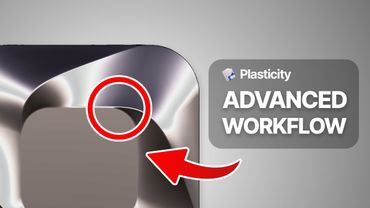
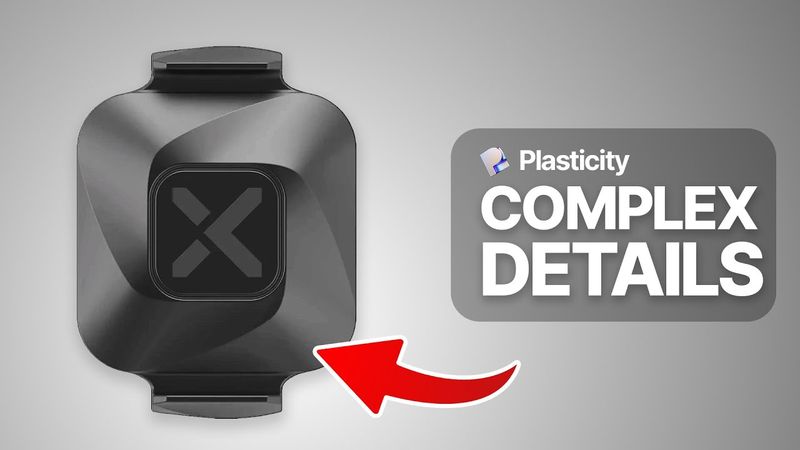
In this tutorial, I’ll show you how to model a complex, symmetrical curved surface in Plasticity 3D, using precise workflows for clean and smooth surface topology. We’ll start from scratch by importing a reference image, building foundational geometry, and using tools like lofting, patching, and radial arrays to construct an elegant shape. This is Part 1 of a two‑part series — in Part 2 (coming tomorrow), I’ll show you how to manually add clean fillets and Y‑blends to this shape for a flawless finish. Perfect for intermediate Plasticity users looking to level up their surface modeling skills! 00:00 – Intro & What You’ll Learn in Part 1 02:05 – Setting Up the Reference & Base Geometry 05:46 – Creating Filleted Rectangles & First Lofted Surface 09:32 – Building Support Curves & Filling the Surface 13:42 – Lofting, Patching & Finalizing the Base Form 16:57 – Preparing for Fillets (Part 2 Overview)