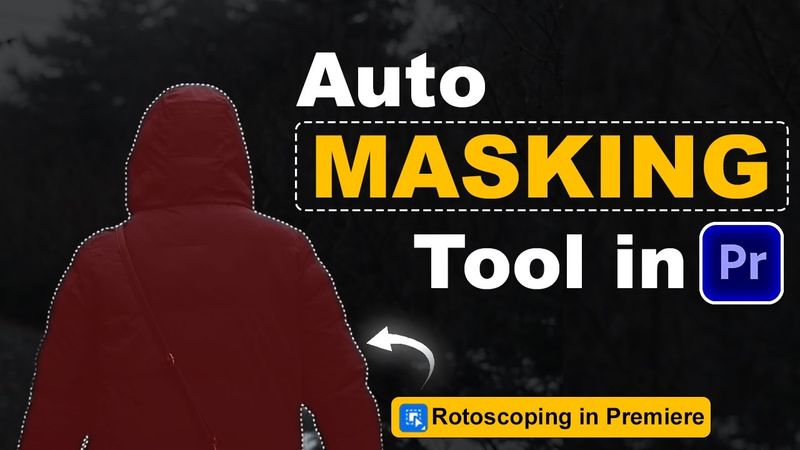
NEW Automatic Object Mask Tool in Adobe Premiere Pro Beta!

NEW Automatic Object Mask Tool in Adobe Premiere Pro Beta! 视频的下载信息和详情
作者:
Ali VFX发布日期:
2025/9/17观看次数:
921简介:
📌300+ Seamless Transitions pack 📌All In One Mega Pack ( Include 500+ Transitions , Luts , Subtitle ) 50% OFF --------------------------------------------------------------------------------------------------------------------- Discover the NEW Automatic Object Mask Tool in Adobe Premiere Pro! 🎬 This powerful update lets you instantly detect and mask objects with ease — perfect for faster video editing, creative effects, and professional results. Watch now to see how it works! . . Watch More Tutorials on Premiere Pro Transitions: ▶️ 4 Seamless Transitions Tutorial: ▶️ 7 Premiere Pro Transitions Tutorial: --------------------------------------------------------------------------------------------------------------------- ✅Get Unlimited Templates Envato: ✅ Want to add Automatic Animated Captions: Use Promo Code to save 10%: ALIVFX . . If you want to take your editing skills to the next level, you can check out my Presets Pack by clicking on the link below. ✅Get Mega Transitions Pack (Incl. Glitch, Seamless, Zoom Transitions: ✅280+ Cinematic LUTs for All Editing Softwares : . . . ▶️ My Best Video Playlists: Popular Videos: Latest Videos: Premiere Pro: Vn Video Editor Tutorials: ✅Get My Presets For All Software's: megaeditingsource.gumroad.com _________________________________________________________________________ #premierepro2025 #premiereprotutorial #objectmaskingtool #automaticmasking #rotoscopinginpremierepro #masking 👉 If you found this helpful, don’t forget to LIKE 👍, COMMENT 💬, and SUBSCRIBE 🔔 for more editing tutorials!
相似视频:NEW Automatic Object Mask Tool in Adobe Premiere Pro Beta
6 Premiere Pro Tricks to Speed Up Your Editing (2025)
5 Custom Premiere Pro Transitions Tutorial – No Plugins, Easy & Smooth
8 Quick Premiere Pro Editing Tricks To Boost Workflow | 2025 Tutorial

These 5 Audio Tricks Will Make Your Video Cinematic!

6 Top Easy Transitions in Adobe Premiere Pro