Windows 7 на Ryzen 9 3950X (Zen 2)
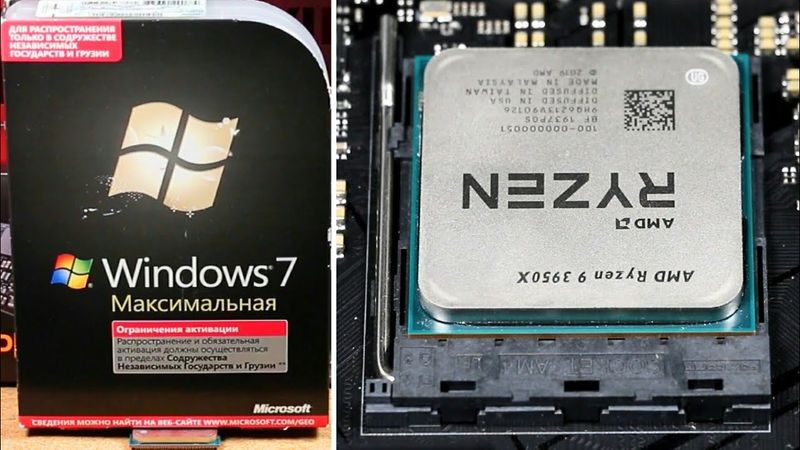
Windows 7 на Ryzen 9 3950X (Zen 2) 视频的下载信息和详情
作者:
Макс Крюков发布日期:
2020/10/7观看次数:
278.2K简介:
At 00:00:00 the video opens with a warning about potential compatibility issues. At 00:01:23 the presenter explains why the Ryzen 9 3950X was chosen. At 00:03:50 the X470 motherboard is discussed. At 00:09:38 the test build’s features are outlined. At 00:11:34 the first method, the vanilla approach, is introduced. At 00:12:20 hardware requirements are listed. At 00:16:44 BIOS is configured for legacy installation. At 00:19:42 Windows 7 is installed. At 00:20:07 keyboard control is set up. At 00:25:38 the desktop is shown. At 00:29:09 drivers and updates are copied. At 00:31:01 variant 1‑A uses a CD/DVD. At 00:38:56 variant 1‑B moves the SATA drive to another PC. At 00:39:42 variant 1‑C adds PCI‑E controllers. At 00:46:08 the dangers of certain updates are discussed. At 00:54:16 initial OS setup is performed. At 00:57:33 Windows updates are installed. At 00:58:25 driver search is conducted. At 01:00:55 drivers are installed. At 01:01:48 NVMe works. At 01:07:57 the second method, a compromise, begins. At 01:09:42 NTLite and drivers are downloaded. At 01:14:25 driver installation for Windows 7 is explained. At 01:16:56 a minimal set of updates is chosen. At 01:19:28 integration of drivers and updates is performed. At 01:24:23 the ISO is written to DVD. At 01:25:26 BIOS is set for UEFI installation. At 01:28:07 Windows 7 is installed. At 01:30:27 the desktop is shown. At 01:31:38 initial OS setup continues. At 01:34:22 Windows updates are installed. At 01:35:50 the third method, the ultimate, starts. At 01:38:01 UpdatePack7R2 and drivers are downloaded. At 01:46:14 NTLite is used to build the image. At 01:46:50 the image is configured and all drivers are integrated. At 01:58:09 drivers are integrated into boot images. At 01:59:52 all updates are integrated. At 02:02:54 the folder is packaged into an ISO. At 02:03:31 the ISO is written to a USB drive. At 02:05:40 BIOS is set for UEFI installation. At 02:06:34 Windows 7 is installed. At 02:08:17 the desktop is shown. At 02:09:33 initial OS setup continues. At 02:10:58 libraries and drivers are pre-installed. At 02:12:56 limitations of the setup are warned. At 02:14:06 HWiNFO64 monitoring is shown. At 02:15:56 Prime95 stress test is performed. At 02:18:23 Ryzen power management in Windows 7 is demonstrated. At 02:21:09 NVMe and SATA SSD performance is tested with ATTO and CrystalDiskMark. At 02:24:22 CPU-Z and GPU-Z data are displayed. At 02:25:40 Cinebench R15 is run without XMP. At 02:26:40 Cinebench R20 is run without XMP. At 02:27:07 RAM speed is tested in AIDA64 without XMP. At 02:28:02 XMP is enabled for RAM and Ryzen limits are removed. At 02:29:30 AIDA64 performance test with XMP is shown. At 02:32:25 Cinebench R20 with XMP is run. At 02:32:48 Linpack Xtreme is tested. At 02:33:26 the presenter browses the internet and YouTube. At 02:35:29 demo fr‑041 is launched. At 02:36:09 demo Chaos Theory is launched. At 02:37:32 a few quotes from experts are shared. At 02:40:45 the video concludes with final thoughts.
相似视频:Windows

Самые интересные ПАСХАЛКИ в Windows за всю историю существования
Windows 7 на современном компьютере: нужно ли это вообще?
Обзор Bambu Lab A1 / A1 mini + AMS Lite

ЗАБАНИЛ ЛЮТЫХ КАПТЁРОВ в ГТА 5 РП / MAJESTIC RP
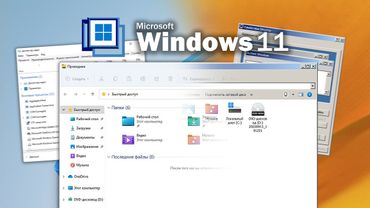
Превращаем Windows 11 в Windows 2000