Premiere Pro Reels Editing Tutorial🔥 Learn Viral Animation + Captions + Effects

Premiere Pro Reels Editing Tutorial🔥 Learn Viral Animation + Captions + Effects15:34

Premiere Pro Reels Editing Tutorial🔥 Learn Viral Animation + Captions + Effects 视频的下载信息和详情
作者:

The Nicks Edit

发布日期:

2025/8/25

观看次数:

194

简介:

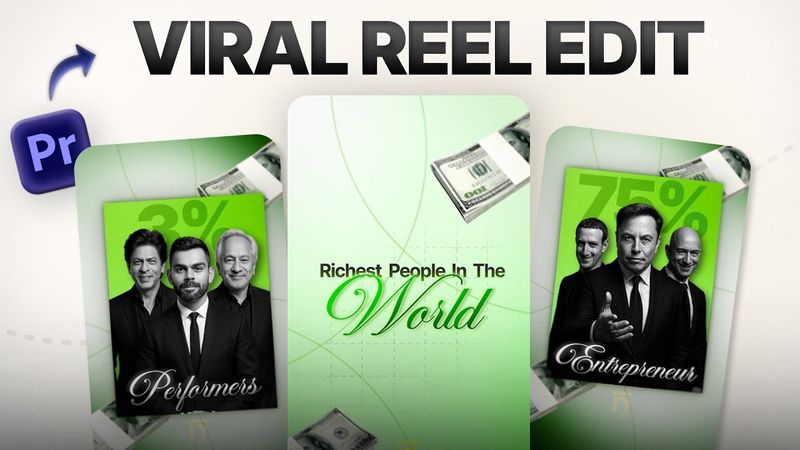
In this step‑by‑step tutorial you’ll learn how to create professional and viral Instagram Reels using Adobe Premiere Pro. The process covers designing a 4‑color gradient background, adding depth with aesthetic background elements, animating money bundles and other objects, producing clean text animations with Premiere Composer, overlaying images with drop‑shadow and tint effects, nesting layers and creating smooth zoom animations, and using a flip transition that can make your Reel go viral. The video walks you through each stage—from the initial background gradient to the final touch‑up—so that both beginners and advanced editors can produce cinematic Reels, Shorts, and TikTok videos quickly inside Premiere Pro. Timestamps: 0:00 – Intro + Free Assets CTA 0:32 – Background Gradient Setup 1:12 – Add Background Design Elements 2:03 – Animate Money Bundle 3:04 – Text Animation Setup 4:40 – Nest Layers + Zoom Effect 6:15 – Create Box Gradient + 75% Text Animation 8:42 – Add Image + Effects 10:22 – Create Second Animation 12:10 – Flip Transition (Most Important Part) 14:30 – Final Touch & Outro