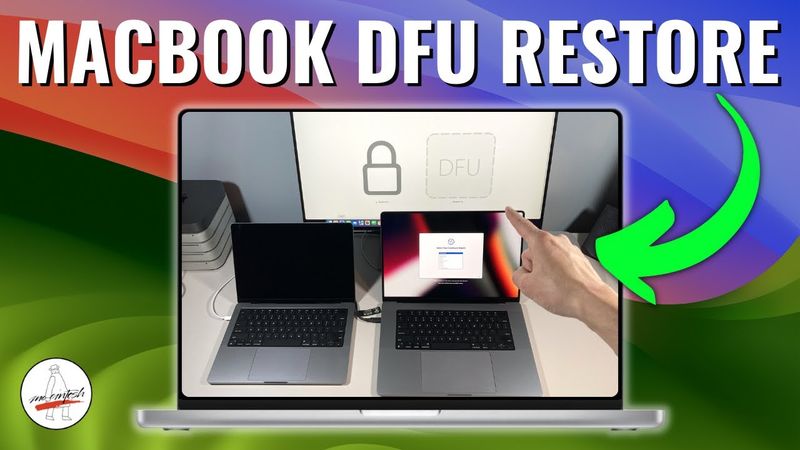
DFU Restore M1, M2 or M3 MacBook Pro/Air & IPSW Reinstall macOS + DFU Mode 3 different ways!

DFU Restore M1, M2 or M3 MacBook Pro/Air & IPSW Reinstall macOS + DFU Mode 3 different ways! 影片的下載資訊和詳情
作者:
Mr. Macintosh發布日期:
2021/11/24觀看次數:
282.7K簡介:
At 0:00 the video introduces DFU mode, at 0:30 the presenter discusses updates and chapters, at 0:42 he shows three ways to boot DFU mode, at 1:00 he explains why you might need DFU mode, at 2:15 he demonstrates how to get started booting into DFU mode, at 2:56 he talks about missing USB‑C charge cables for 14” & 16”, at 3:45 he explains which cables will work, at 4:21 he lists prerequisites for DFU mode, at 6:39 he demonstrates how to boot a 14” MacBook Pro into DFU mode, at 7:11 he demonstrates how to boot a 16” MacBook Pro into DFU mode, at 9:17 he demonstrates how to boot a 13” MacBook Pro/Air into DFU mode, at 10:44 he shows a new faster way to boot into DFU mode, at 12:26 he shows the fastest way to boot into DFU using macvdmtool, at 14:46 he lists prerequisites for IPSW AC2 to revive & restore macOS, at 16:48 he discusses whether an M1 Mac can downgrade macOS, at 17:45 he shows how to use AC2 to revive & restore macOS, and at 19:00 he answers questions and thanks viewers. The video also explains that Apple Configurator gives you two options: Restore, which erases and reinstalls macOS in under 10 minutes, and Revive, which retains user data and reinstalls macOS recovery if you are having problems booting into macOS recovery. It covers reviving or restoring a Mac with Apple Silicon using Apple Configurator 2, with compatibility for M1 Mac Mini, MacBook Air, MacBook Pro 13”, iMac 24”, and M1 Pro & Max 14” & 16” MacBook Pro.
相似影片:DFU Restore M

SteamOS ROG XBOX ALLY X: Complete Setup & Tutorial Guide
SMD Components EXPOSED: SMD Transistor & Diode Test in Seconds 🔥🔥🔥 Part 2

NIRI A PERFECT Scrollable Tiling Window Manager ** MUST TRY **

iPad Pro 10.5 Battery Replacement 2017

Reacting to INSANE Chinese Gaming Setups