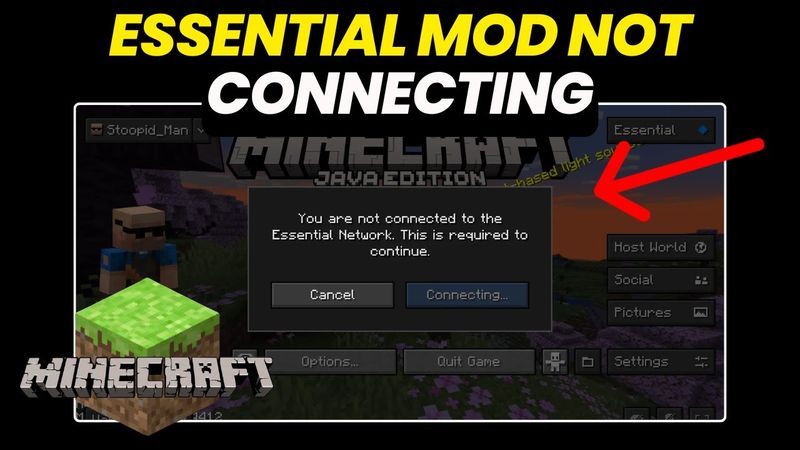
Fix Minecraft Essential mod: Not Connecting to Network Error
Fix Minecraft Essential mod: Not Connecting to Network Error 影片的下載資訊和詳情
作者:
RunaTek發布日期:
2025/3/26觀看次數:
10.3K簡介:
Today, I want to share a frustrating issue I faced with the Minecraft Essential Mod after changing my internet setup. When we switched to Starlink and started using an Ethernet connection, things went wrong. I received the error messages "Unable to connect to essential network" and "Authentication servers unreachable", which made it feel like the mod was blocking connections on Ethernet, even though it worked perfectly before. I tried many fixes, searched online, and tested different solutions. Some helped temporarily, but nothing seemed to fix it permanently. I found that restarting or disabling and re-enabling the Ethernet adapter, adding a JVM argument to force IPv4, updating Forge and the Essential Mod, switching back to WiFi, and checking firewall and network settings were all potential solutions. If you're facing this issue, I hope one of these solutions helps. If you found another fix, drop a comment below – it might help someone else. Also, don’t forget to like and subscribe if you enjoy troubleshooting videos like this.
相似影片:Fix Minecraft Essential mod

Poppy Playtime Chapter 2 Full Gameplay Walkthrough | No Commentary | 4k

Poppy Playtime Chapter 1 Full Gameplay Walkthrough | No Commentary | 4k

Poppy Playtime Chapter 3 Full Gameplay Walkthrough | No Commentary | 4k

STRONG and FULLY 3D Printed Arms for your Ender 3 KE and SE

Poppy Playtime Chapter 4 Full Gameplay Walkthrough | No Commentary | 4k