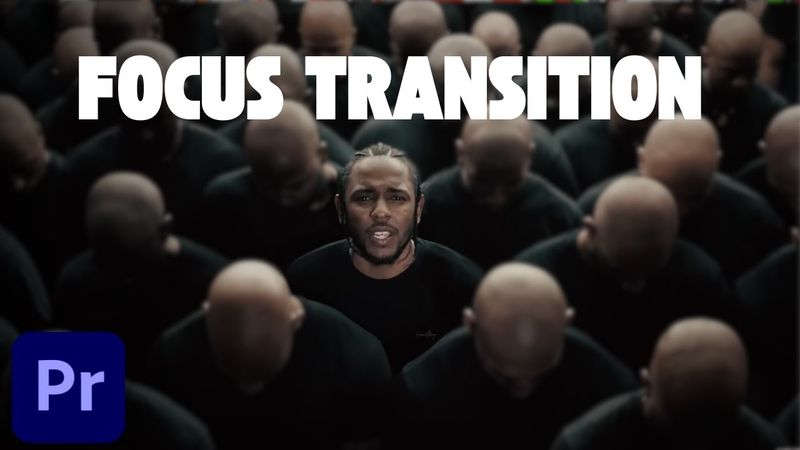
How to Create a Focus Transition in Premiere Pro (Smooth Blur Cut Effect)

How to Create a Focus Transition in Premiere Pro (Smooth Blur Cut Effect) 影片的下載資訊和詳情
作者:
Miracamp發布日期:
2025/6/30觀看次數:
1.6K簡介:
Learn how to build a smooth focus transition in Premiere Pro step‑by‑step. The tutorial shows how to use directional blur and adjustment layers to create a cinematic focus/blur whip transition between clips. It covers cutting each clip for a fast pace, adding a 6‑frame adjustment layer, applying directional blur at 75°, animating the blur from 0 to 60 and back to 0 for a smooth zoom feel, and duplicating the transition across all clips.
相似影片:How to Create a Focus Transition in Premiere Pro
How to Add Motion Blur in Premiere Pro – 3 Easy & Pro Techniques (2025 Tutorial)
How to get PERFECT Speed Ramp Transitions in Premiere Pro 2025
How to Speed Up, Reverse & Slow Down Video in Premiere Pro (2025 Tutorial)
You NEED to Try the New Focus Blur Effect in Premiere Pro
How to Edit Instagram Reels From Scratch in After Effects Beginner Tutorial