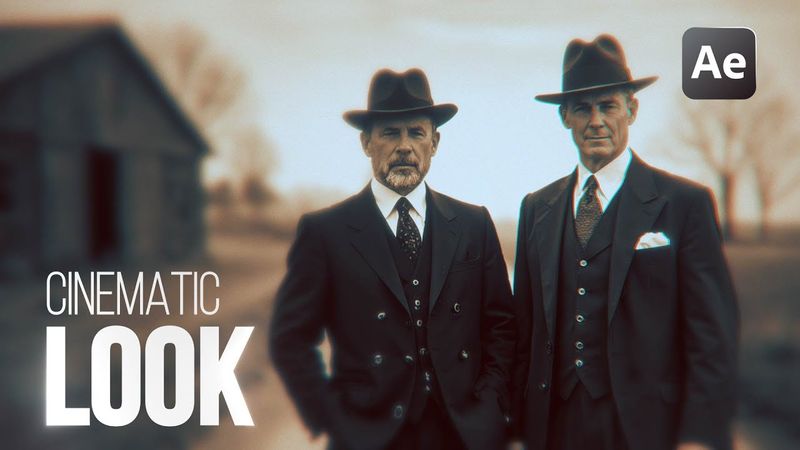
🔥How to create a Professional Cinematic Look in After Effects

🔥How to create a Professional Cinematic Look in After Effects 影片的下載資訊和詳情
作者:
Vane Motion發布日期:
2026/1/7觀看次數:
963簡介:
Learn how to create a professional cinematic look in After Effects with step‑by‑step guidance on color grading, lighting adjustments, contrast, curves, and essential effects that transform your animations. Ideal for beginners and intermediate users, this tutorial helps you enhance the visual impact of your animations and make your audiovisual projects stand out. The tutorial covers topics such as cropping images in Photoshop (00:30), a documentary editing course (01:27), generative fill in Photoshop (03:16), importing files into After Effects (04:50), converting layers to 3D (05:16), creating and animating a 3D camera (05:50), achieving a professional cinematic look (07:55), color grading in After Effects (08:35), enabling camera depth of field (13:12), and concluding with thanks (13:47).
相似影片:How to create a Professional Cinematic Look in After Effects
![🔥This is how you Edit VIRAL Reels! [Full Editing Guide]](https://videodownloadbot.com/images/video/ec4/o5y2nbapmj14zw76uij3r9qsotmidjuy_medium.jpeg)
🔥This is how you Edit VIRAL Reels! [Full Editing Guide]
How to Create a Match Cut Effect Template in After Effects | Documentary Editing Tutorial
How To Make An IMPACT Effect In Premiere Pro

How to make motion graphics animation in after effects

🔥How to edit like MagnatesMedia in After Effects | FULL Sequence