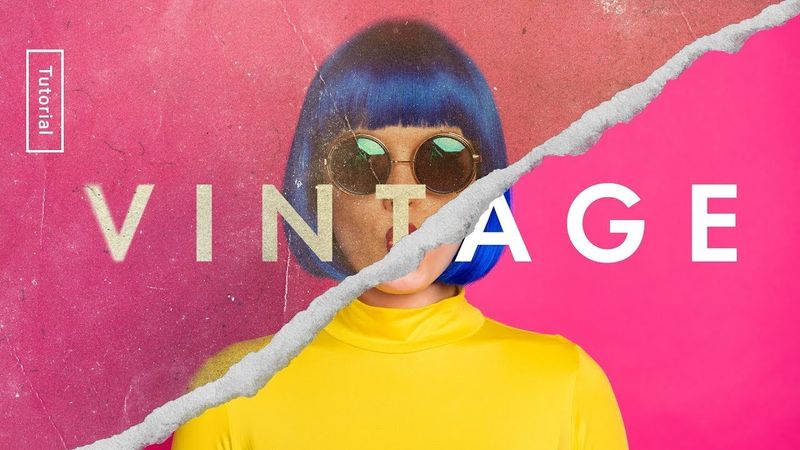
How to Create a Vintage Photo Look – Photoshop Tutorial

How to Create a Vintage Photo Look – Photoshop Tutorial 影片的下載資訊和詳情
作者:
The Futur Academy發布日期:
2020/10/29觀看次數:
329.7K簡介:
How do you give your images that vintage look? How do you use blending modes in Photoshop? In this design tutorial, Matthew Encina walks you through the simple process to give any image that weathered, textured look. 0:00 - INTRO: How to Give your Images That Vintage Look 0:20 - Starting with the base artwork 0:32 - Step 1: Add Paper Texture 1:22 - Step 2: Add Dust and Dirt Textures 3:27 - Step 3: Add Scratches 4:43 - Step 4: Sun fading with soft light 6:45 - Step 5: Color grading the image with curves 8:40 - Step 6: Add soft edges using an iris blur 9:39 - Step 7: Add film grain 10:51 - Before and after results
相似影片:How to Create a Vintage Photo Look
How to Create a Stunning Newspaper Transition in After Effects | Full Tutorial + Free Project File!

Photoshop for Beginners | FREE COURSE
How to Master 3D Camera in After Effects | Complete Breakdown

How to use Eevee - Full Blender Course
3D Timeline Transition (After Effects Tutorial)