Unreal Engine 5 - Master Progress Bar UI Widget with Dissolve & Distort Effects

Unreal Engine 5 - Master Progress Bar UI Widget with Dissolve & Distort Effects 影片的下載資訊和詳情
作者:
CGHOW發布日期:
2025/6/25觀看次數:
7.6K簡介:
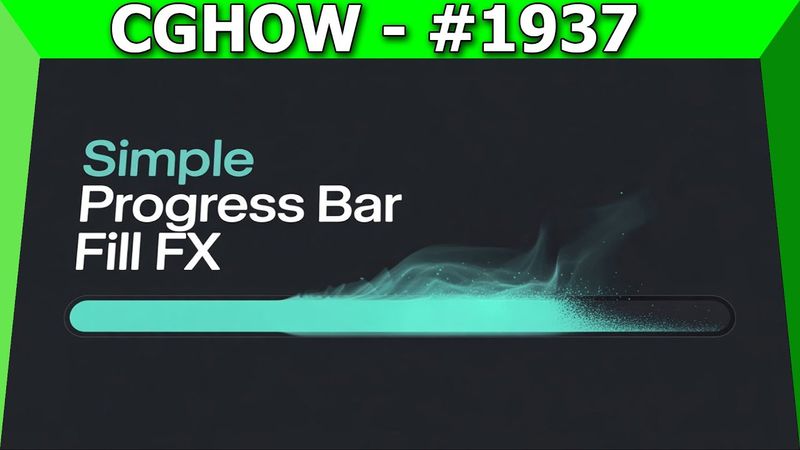
Learn how to build a dynamic progress bar UI widget in Unreal Engine 5 with Ashif Ali. The tutorial covers creating a round rectangle base shape, setting dimensions and corner radius, applying base color and wipe mask, adding smoothstep control for edge fade, testing basic slide, adding vertical distortion with gradient and UV multiplication, introducing random noise texture for distortion tiling, panning the noise for animation, creating a second floating distortion layer, implementing dynamic height thinning on the wiping edge, using lerp and gradient to control bar height, building an edge frame/outline effect, and finalizing the look with frame color and blend. The video also explains how to link gameplay logic to the UI, use material instances for real‑time parameter adjustments, and concludes with a wrap‑up. 0:00 Intro & Final Effect Preview: Dynamic Distorted UI Slider 🤩 0:13 Creating the Base Shape: Round Rectangle Material Function 0:48 Setting Dimensions & Corner Radius Parameters 1:43 Applying Base Color & Implementing the Basic Wipe Mask 2:14 Adding SmoothStep Control for Soft/Sharp Edge Fade 3:00 Testing the Basic Slide and Two‑Sided Visibility 3:47 Adding Vertical Distortion: Gradient + Multiply UVs 🌊 5:16 Introducing Random Noise Texture (Power Texture) for Distortion Tiling 6:28 Adding Panning to the Noise Texture for Animated Distortion 7:00 Creating Second Layer of Floating Distortion (Blurred Noise) 🫧 8:02 Implementing Dynamic Height/Thinning on the Wiping Edge 8:30 Using Lerp and Gradient to Control Bar Height (Min/Max Parameters) 9:38 Building the Edge Frame/Outline Effect (Subtracting Shapes) 🖼️ 10:53 Finalizing the Look: Adding the Frame Color and Blend 12:01 Conclusion & Wrap Up! 👋
相似影片:Unreal Engine

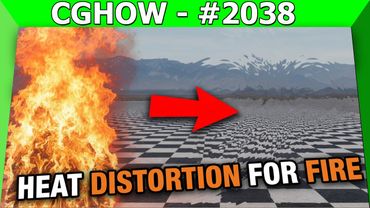
Heat Distortion VFX for Fire in UE5 Niagara! (Photoshop & Normal Map Workflow) 🔥💨✨

Alight Motion Documentary Edit: Article Highlight Effect Step-by-Step

How To Make An IMPACT Effect In Premiere Pro
!["Popping, Spawning, Colliding": Dynamic Rigid Body Multiplication Effect [Blender Tutorial]](https://videodownloadbot.com/images/video/780/5cos9m67wwlnur4omshqtl0taaejcnnc_medium.jpeg)
"Popping, Spawning, Colliding": Dynamic Rigid Body Multiplication Effect [Blender Tutorial]
5 Easy Steps to Animate Liquid Line in ToonSquid