Configuring Active Directory For the Lab

Download information and video details for Configuring Active Directory For the Lab
Uploader:
ShotokuTechPublished at:
11/11/2018Views:
494Description:
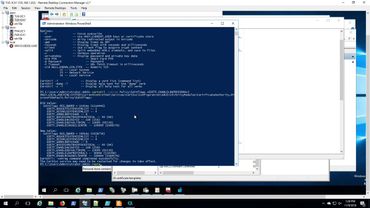
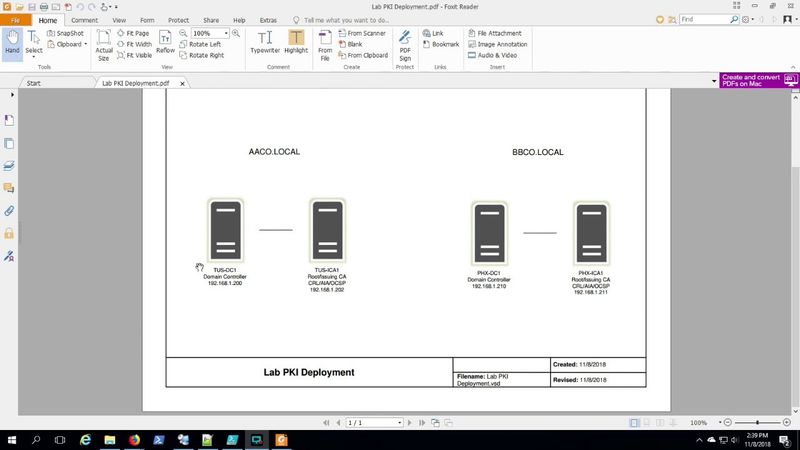
Installing and configuring Active Directory Domain Services with PowerShell for two forests. Creating OUs, groups and users with PowerShell. Managing group memberships. Start reading up on the referenced URLs below for the PKI scenario that is coming up next. As you might guess it's about to get crazy! Cross Forest PKI Series and more! 1) Creating Base Images in Hyper V - Its the Remix!!! 2) Creating Base Windows Images in HyperV 3) Running SYSPREP with an Unattend File 4) Deploying the Lab 5) Configuring Active Directory For the Lab 6) Completing the PKI Environment Setup 7) Starting the Cross Forest PKI Setup 8) Completing the Cross Forest PKI Deployment 9) Cross Forest PKI Auto Enroll The Sequel - Production Hits a Snag 10) Two Tier PKI Lab with CDP and OCSP 11) Using the CERTREQ command to include a SAN 12) Revoke Certificates Using PowerShell with the PSPKI Module
Similar videos: Configuring Active Directory For the Lab

Cross Forest PKI Auto Enroll The Sequel - Production Hits a Snag
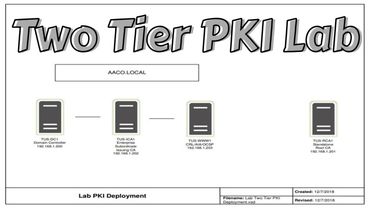
Two Tier PKI Lab with CDP and OCSP
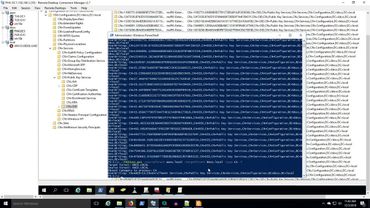
Completing the Cross Forest PKI Deployment

Hikvision IVMS 4200: Playback Tutorial

Comfyui 101 Flux Upscale Workflow: Step-by-Step Guide | Part 7